First, what EasyChurch does for your church on its own. Then every tool, one at a time, with a picture from the app.
16 chapters, 84 slides. Tap any feature to jump straight to it.
Every morning at 9am, in your church's own time, EasyChurch sends what is due. Nobody has to press a button.
From the moment a visitor is added, four messages go out on their own:
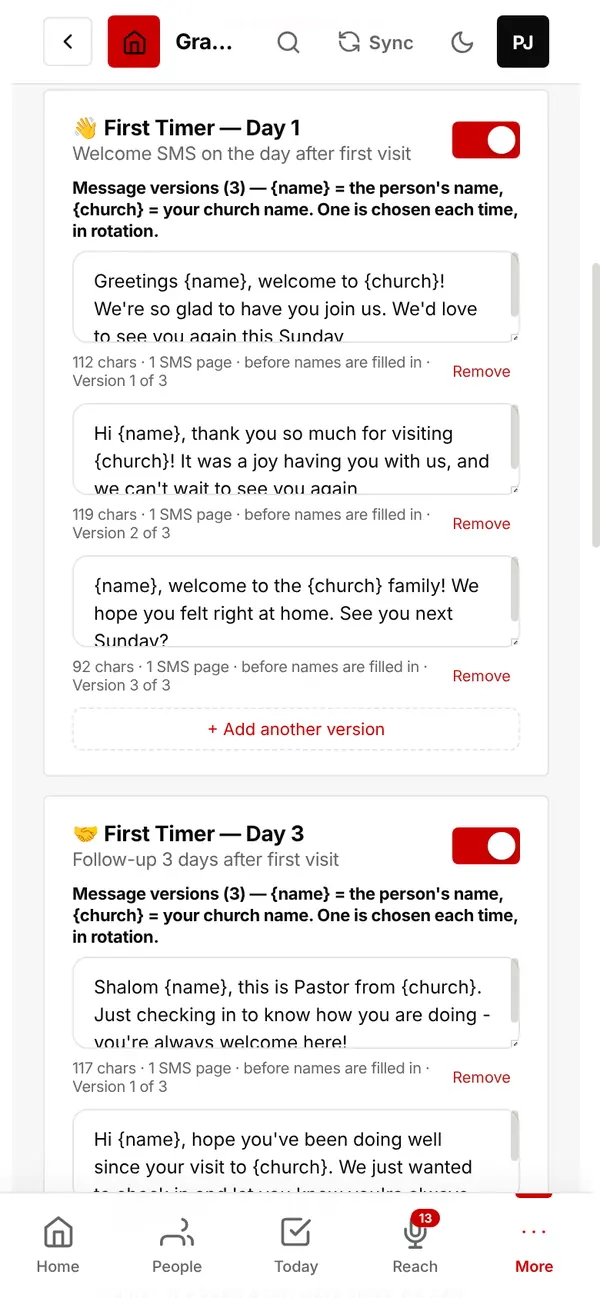
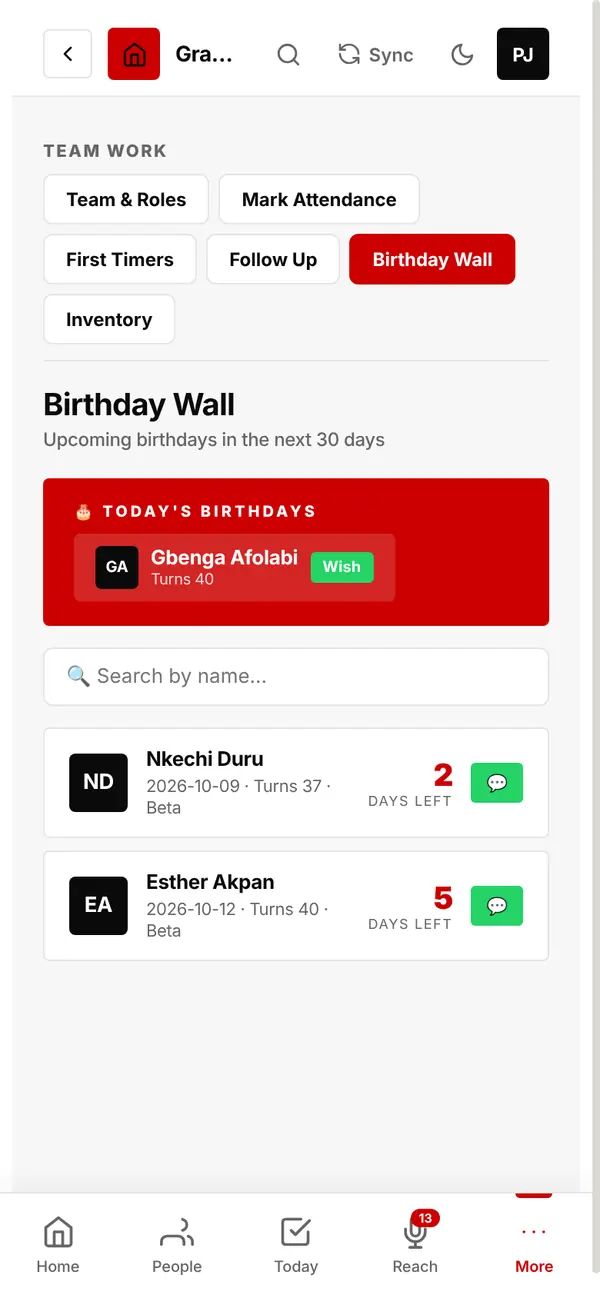
On the day, each person gets a greeting by SMS and email. The Birthday Wall shows today's birthdays and everyone coming up in the next 30 days.
Tap Wish to send a personal greeting as well.
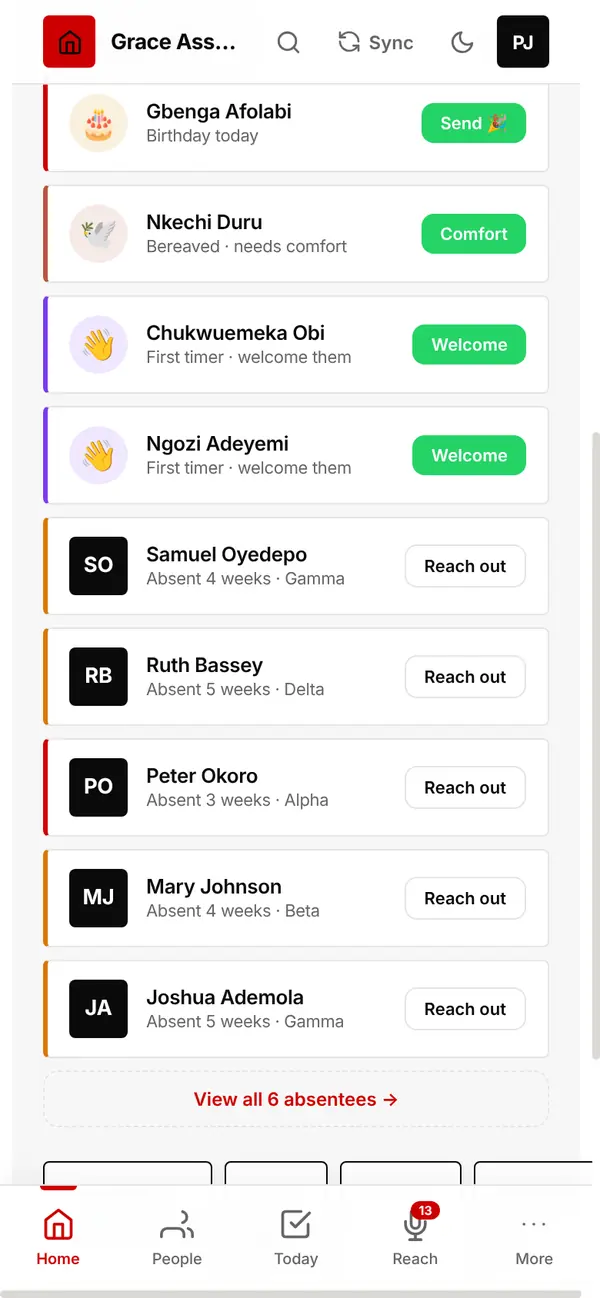
Your dashboard lists people who need care today. One tap sends the right message.
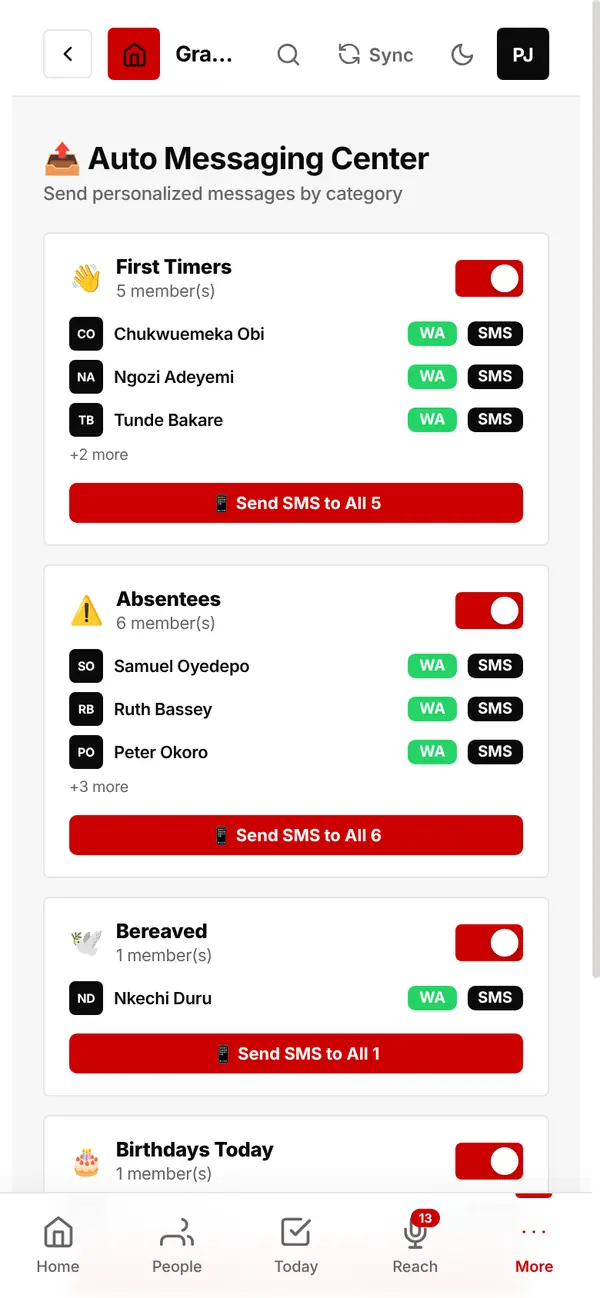
Prefer to send some messages yourself? This screen lists today's first timers, absentees, bereaved and birthdays, each with a ready-written message.
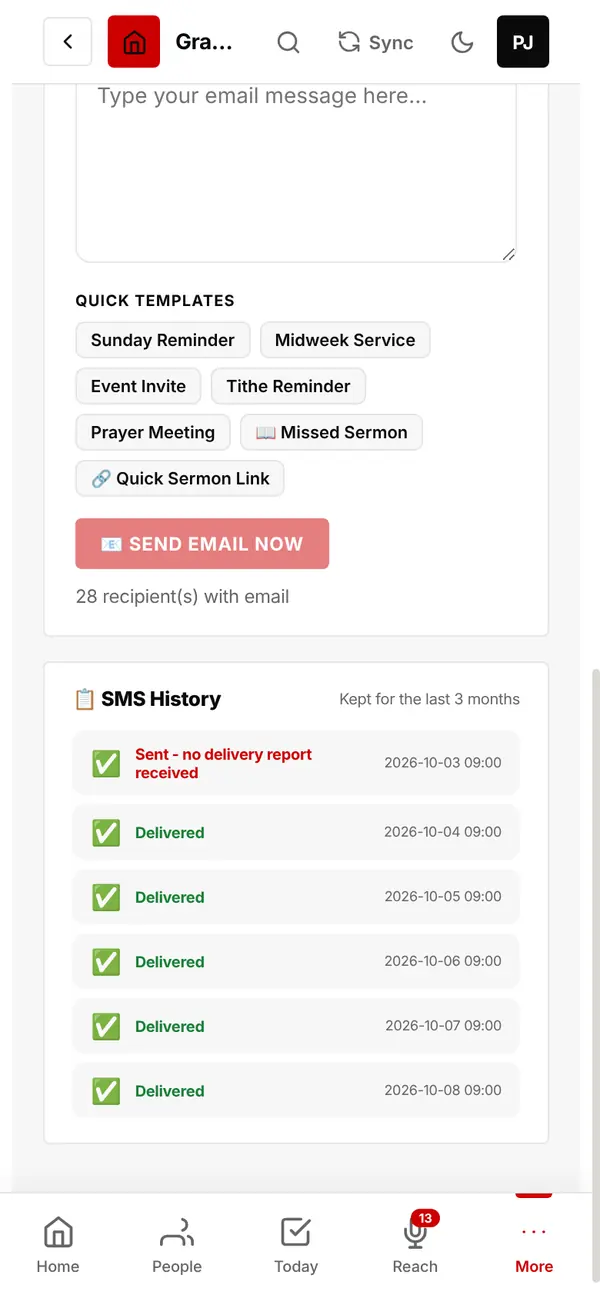
Every text shows whether it was delivered, not delivered (with the reason), or is still waiting for the report.
History is kept for the last 3 months.
Three things to do once.
About 5 minutes, from your phone or computer.
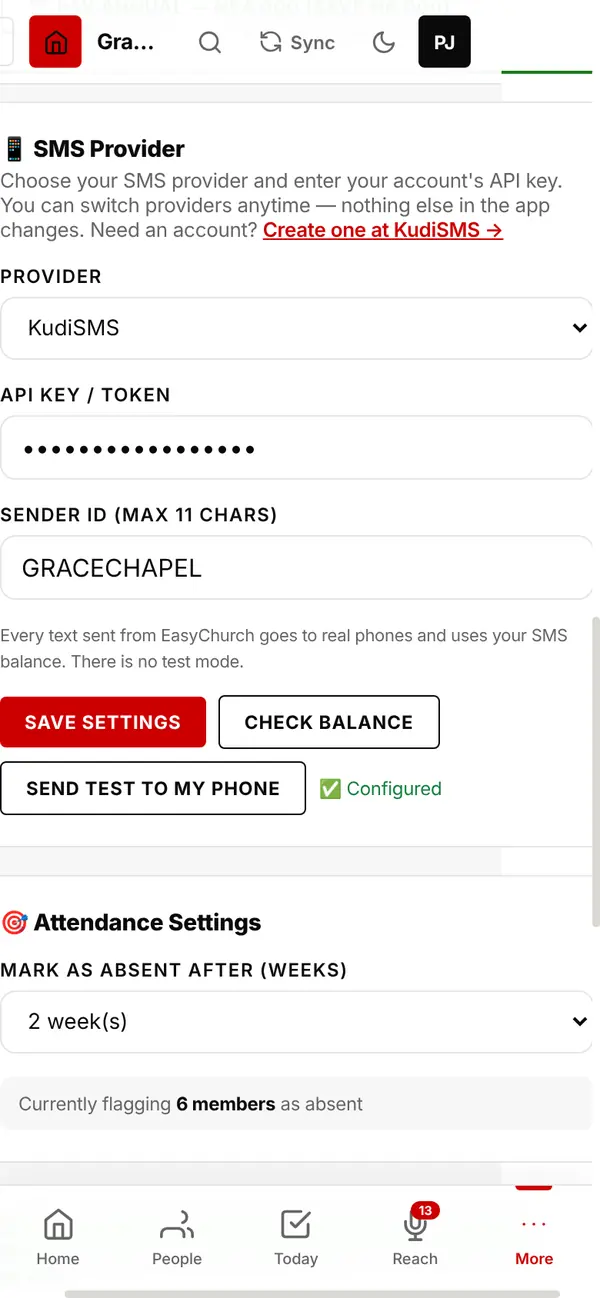
Texts go from your church's own SMS account, in your church's name. You pay the SMS company directly; EasyChurch adds nothing.
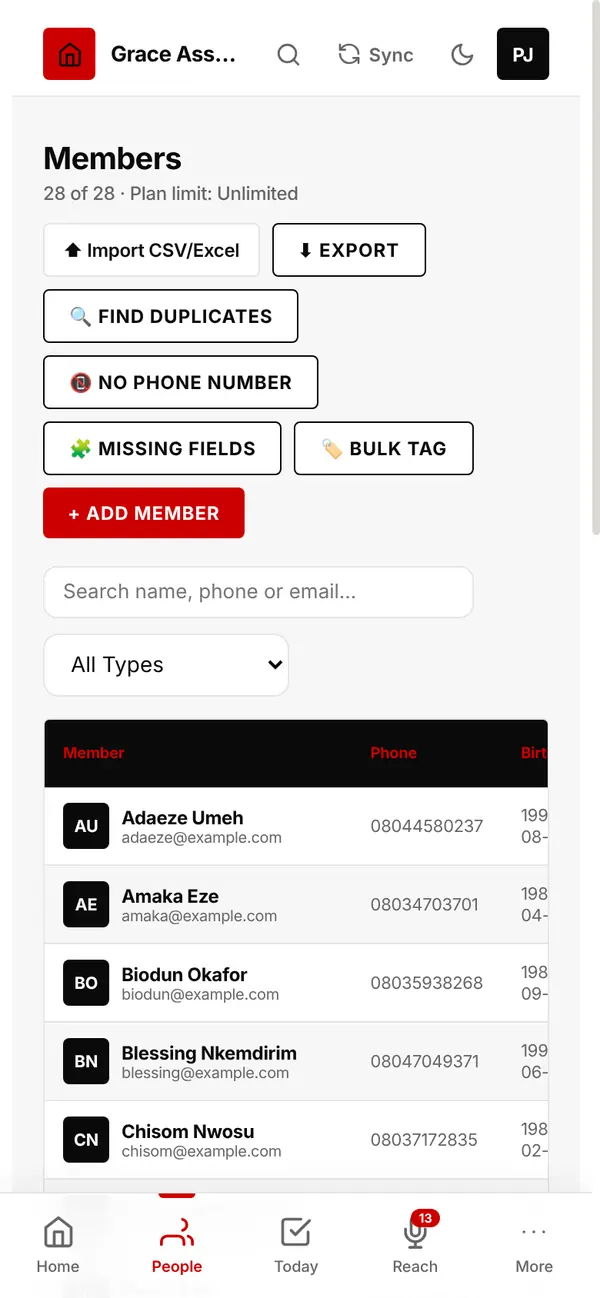
Upload the list you already keep. EasyChurch recognises your columns even when they are named differently.
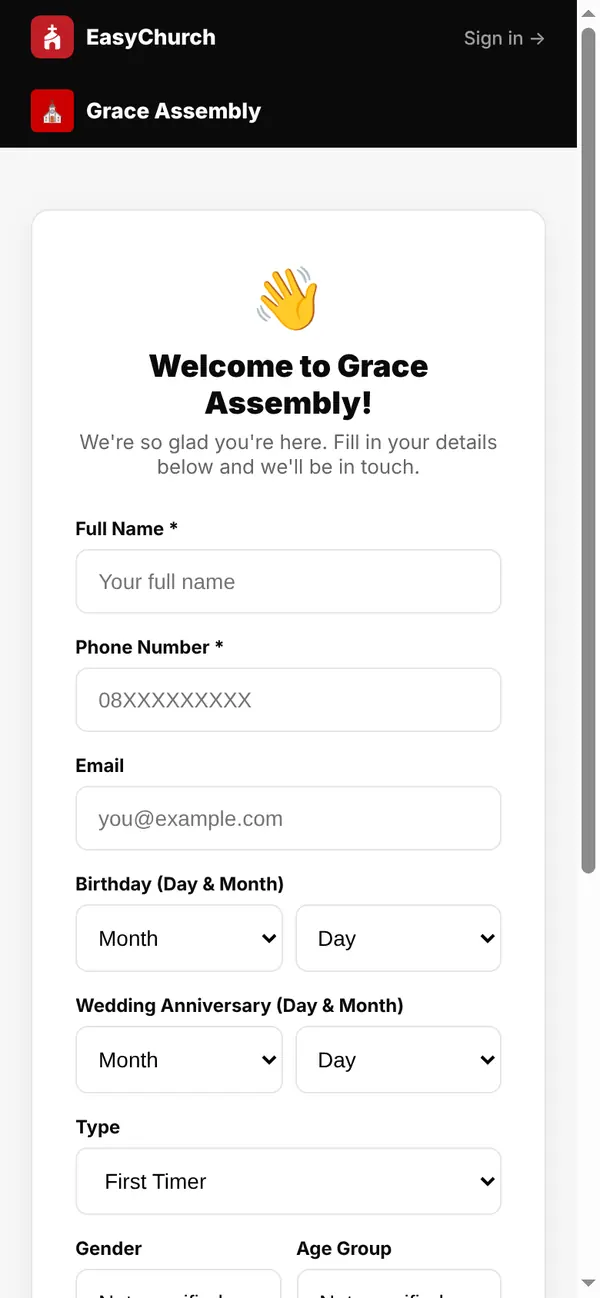
Show your church's QR code on the screen or print it at the door. Visitors fill in their own details on their phones.
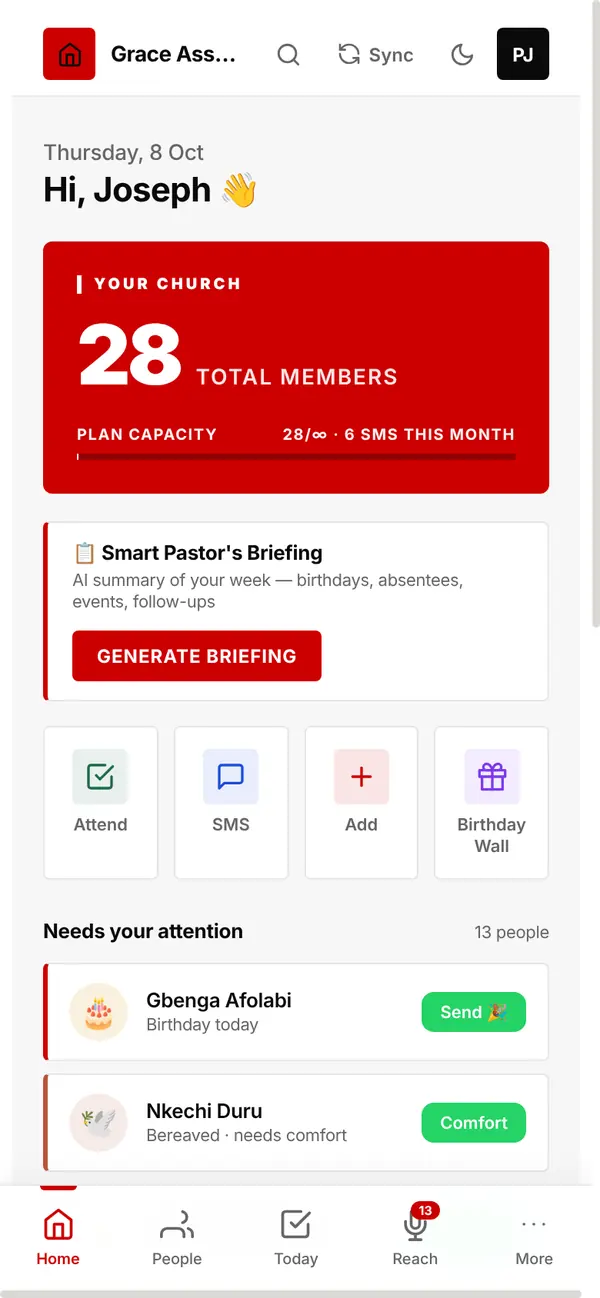
Your church at a glance.
Total members, texts sent this month and quick buttons: Attend, SMS, Add, Birthday Wall.
Tap Generate Briefing for the Smart Pastor's Briefing: an AI summary of your week (birthdays, absentees, events and follow-ups).
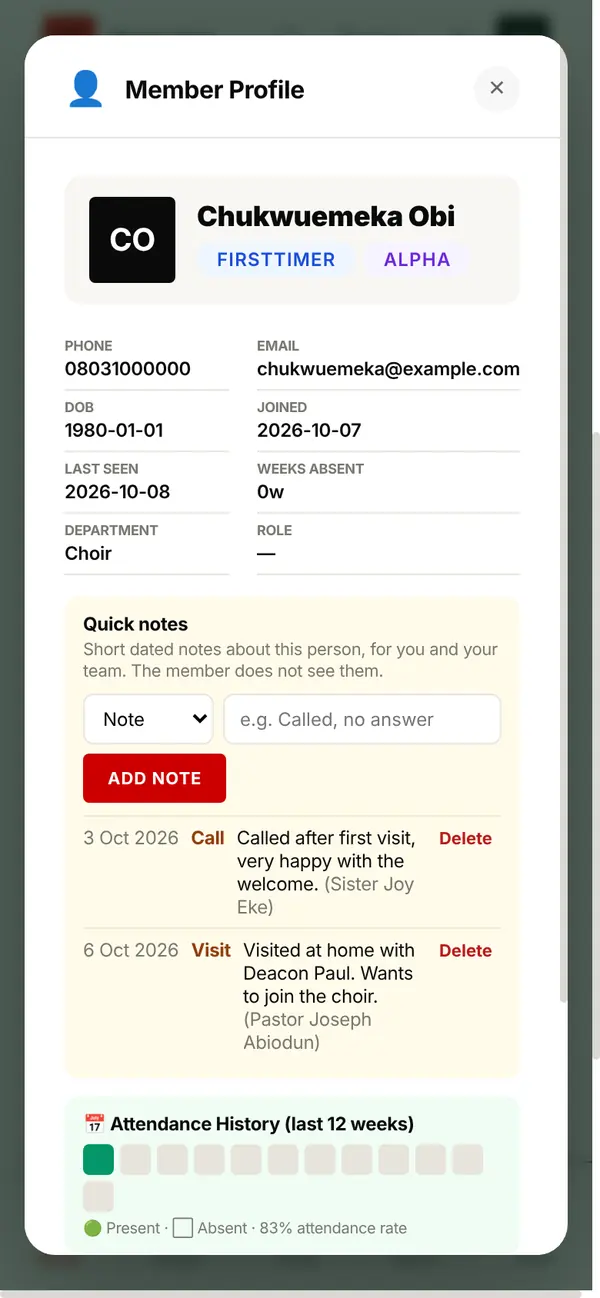
Everything about a person in one place: contacts, birthday, cell, department, attendance history and giving.
Add a dated quick note after a call or visit. Only you and your team see it.
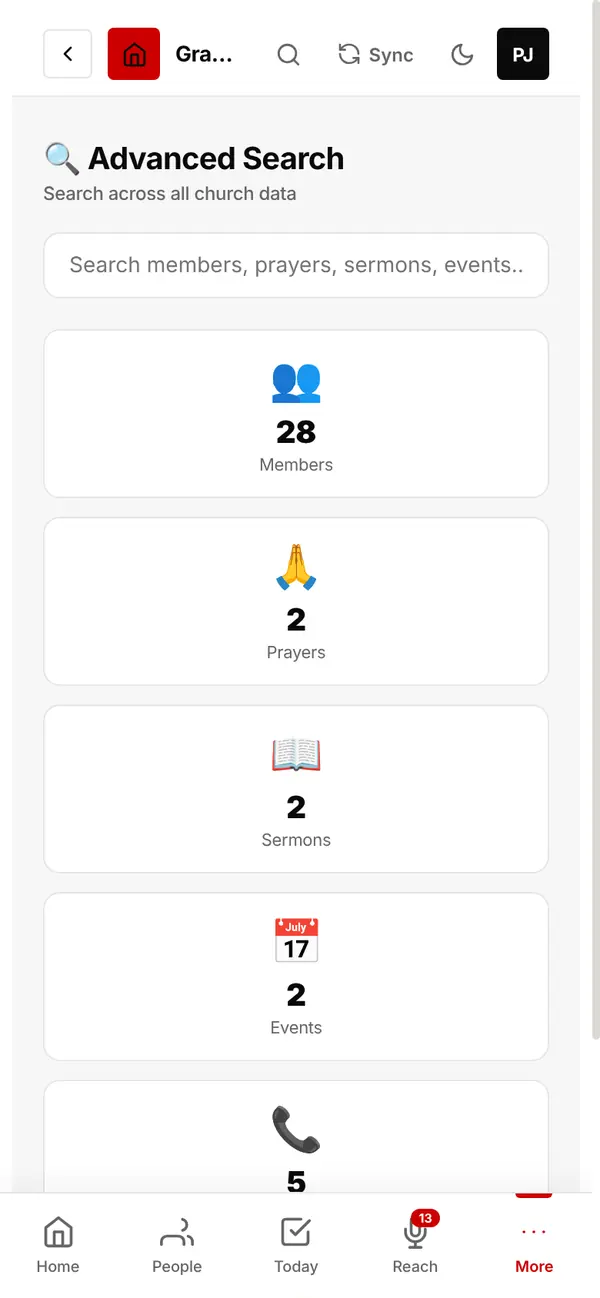
One box searches members (by name or phone number), prayer requests, sermons, events, giving, cell groups, evangelism contacts, follow-ups and announcements.
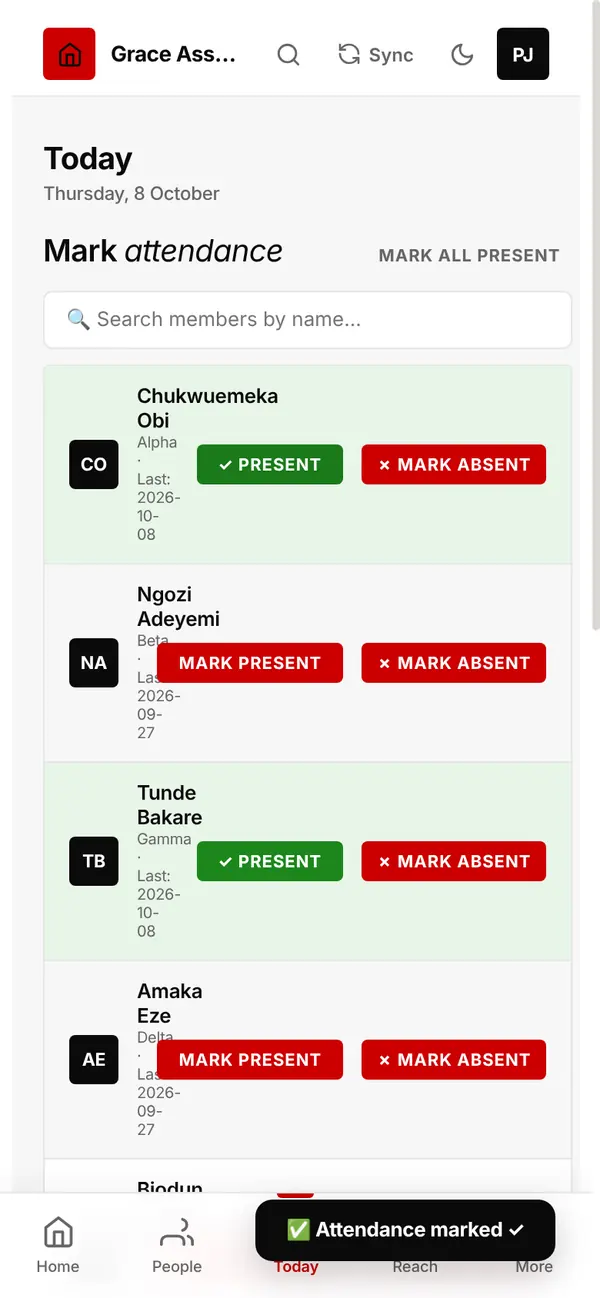
During and after the service.
Tap Mark Present as people arrive, or Mark All Present and correct the few missing.
Print ID cards with your logo, the member's photo, their ID number, the Founder's signature and a QR code.
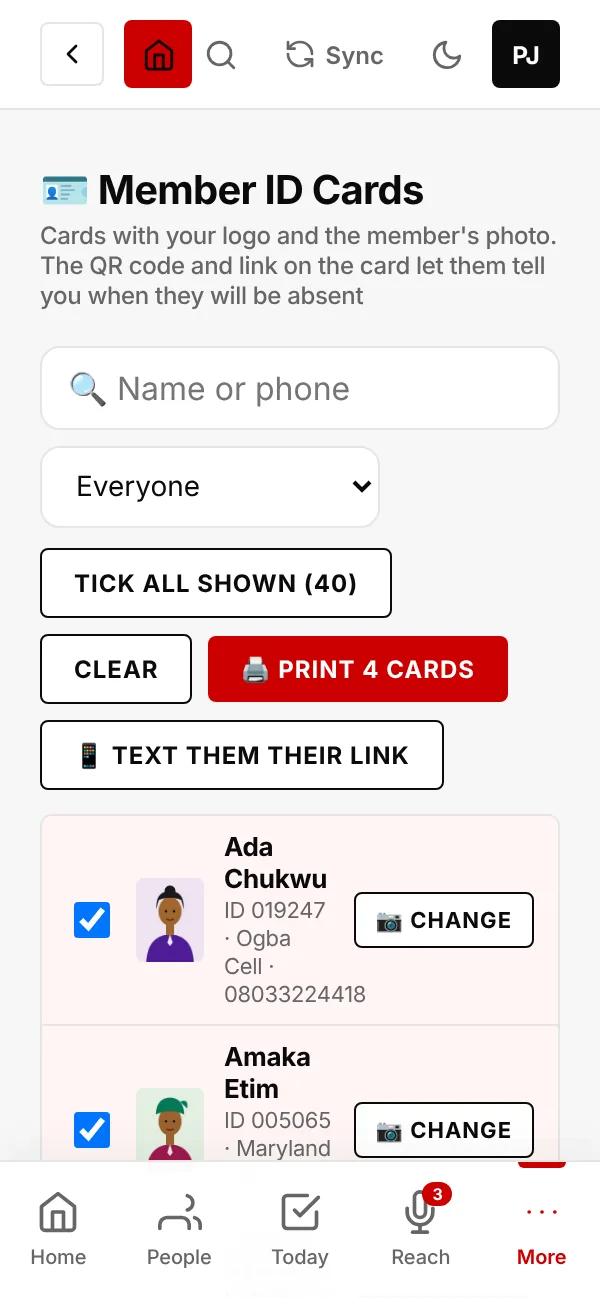
Ten cards to an A4 page, ready to cut out and laminate.
Under the Absent? Scan me QR code is a short link, for members who would rather type it.
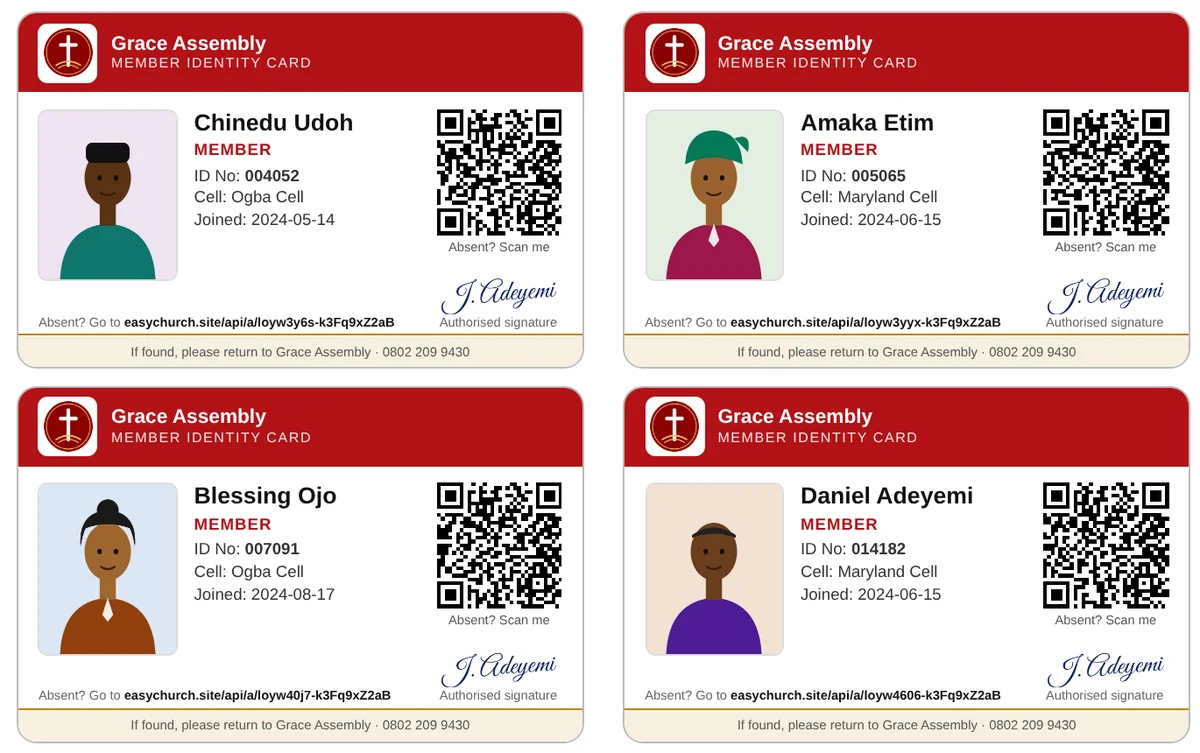
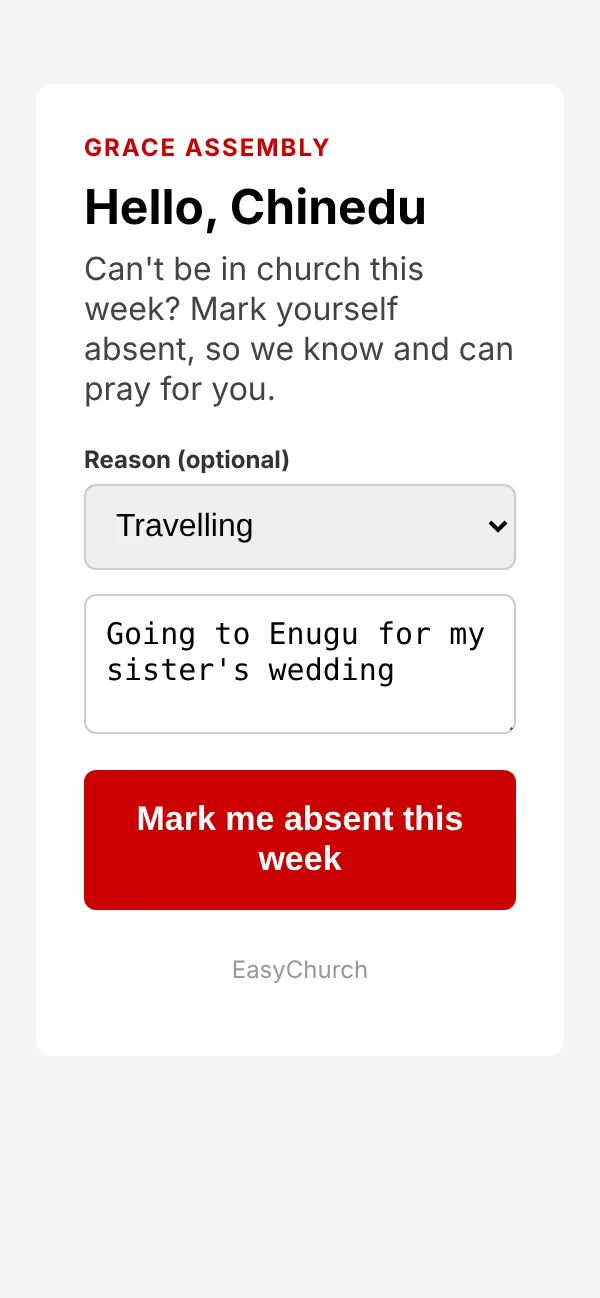
If a member can't come to church, they scan their card with any phone camera and tap Mark me absent this week. They can add a reason and something to pray about.
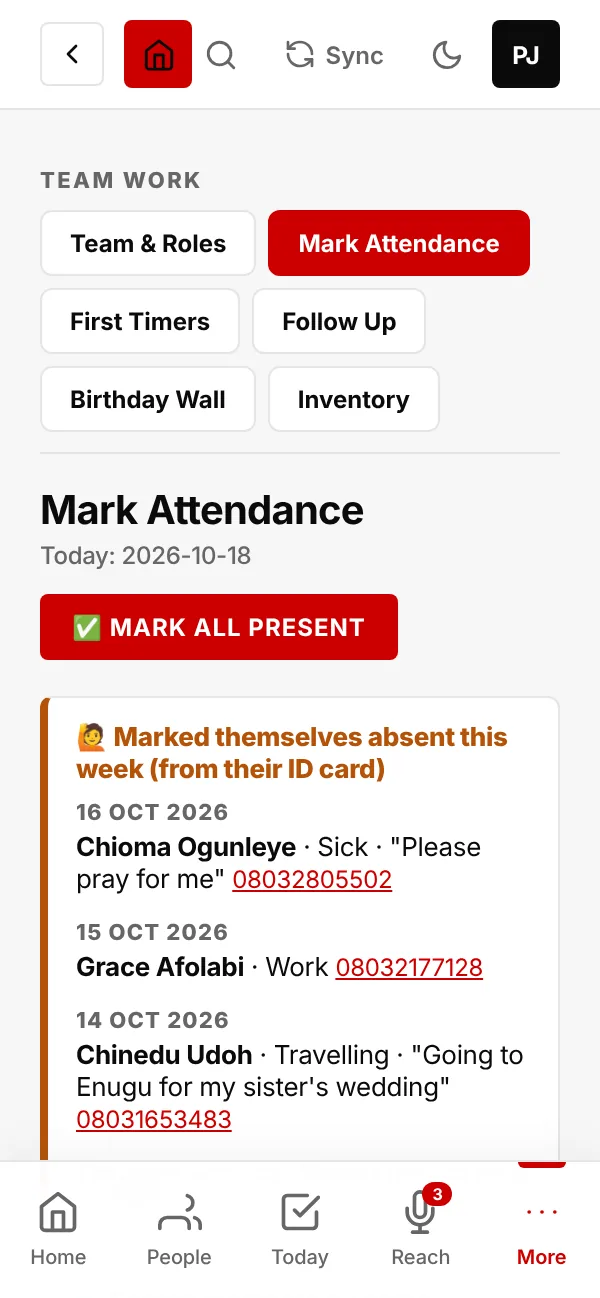
Home shows how many people have marked themselves absent this week. Tap See who, or open Mark Attendance: they are listed by day, with their reason and phone number.
Anyone you mark present drops off the list, and it starts again every Monday.
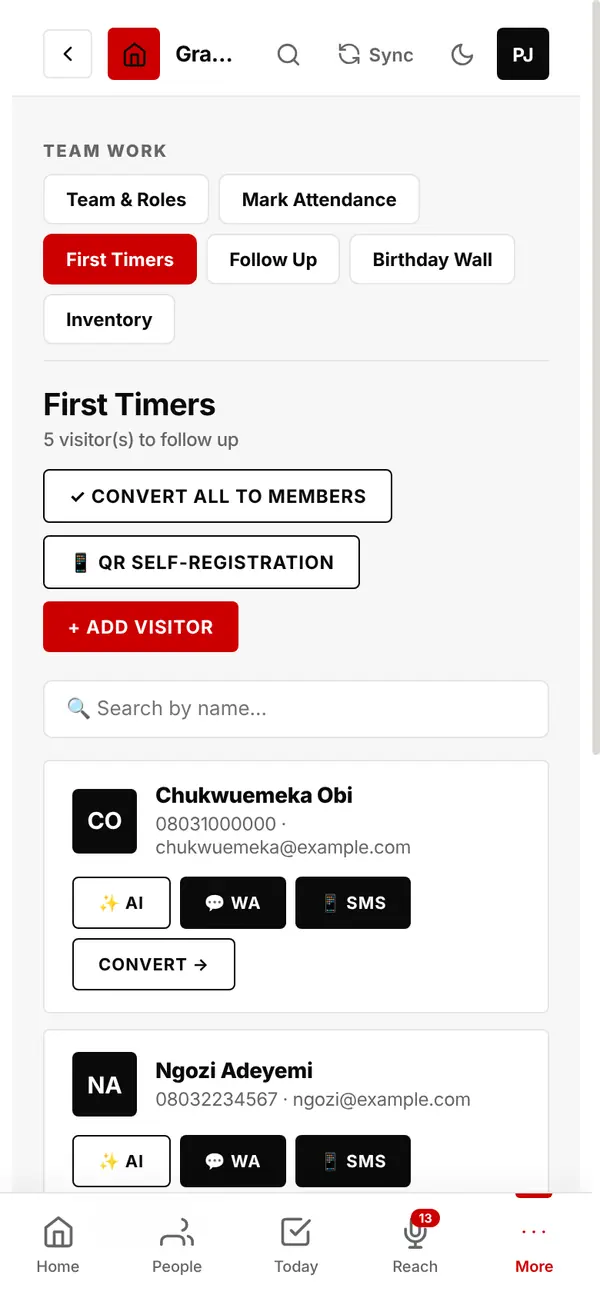
Add visitors, message them by SMS or WhatsApp, or let AI draft a message.
Tap Convert (or Convert All to Members) when they settle in. Converted people stop getting first-timer texts.
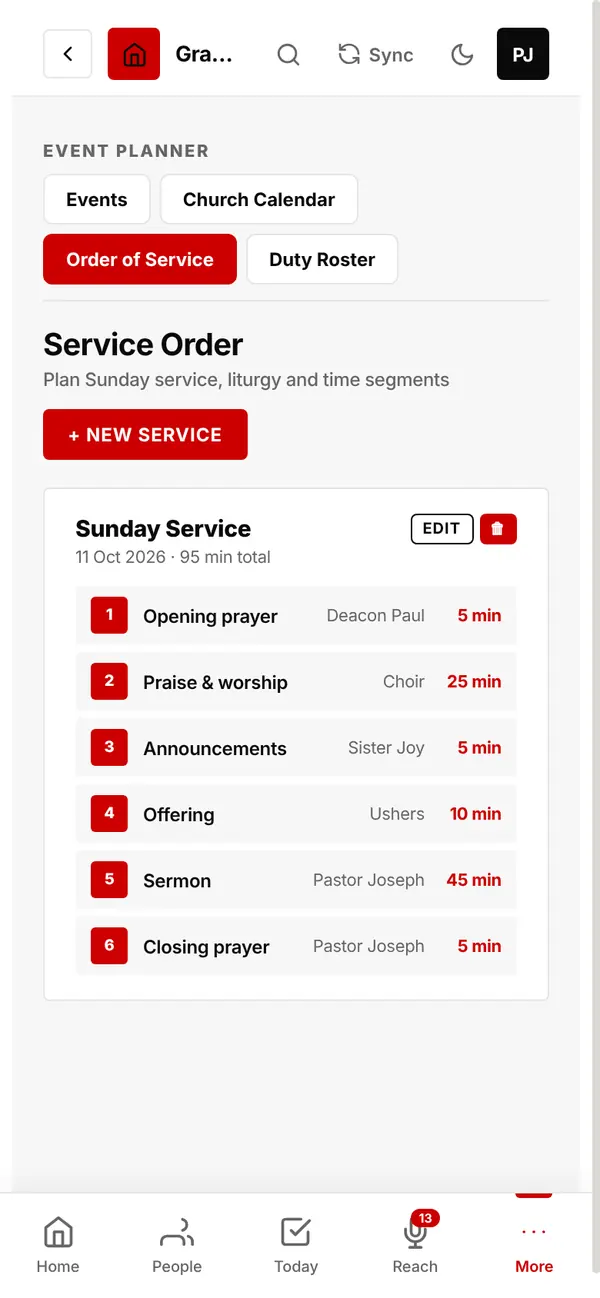
Plan each service item by item: who leads it and how many minutes it takes. The total time adds up for you.
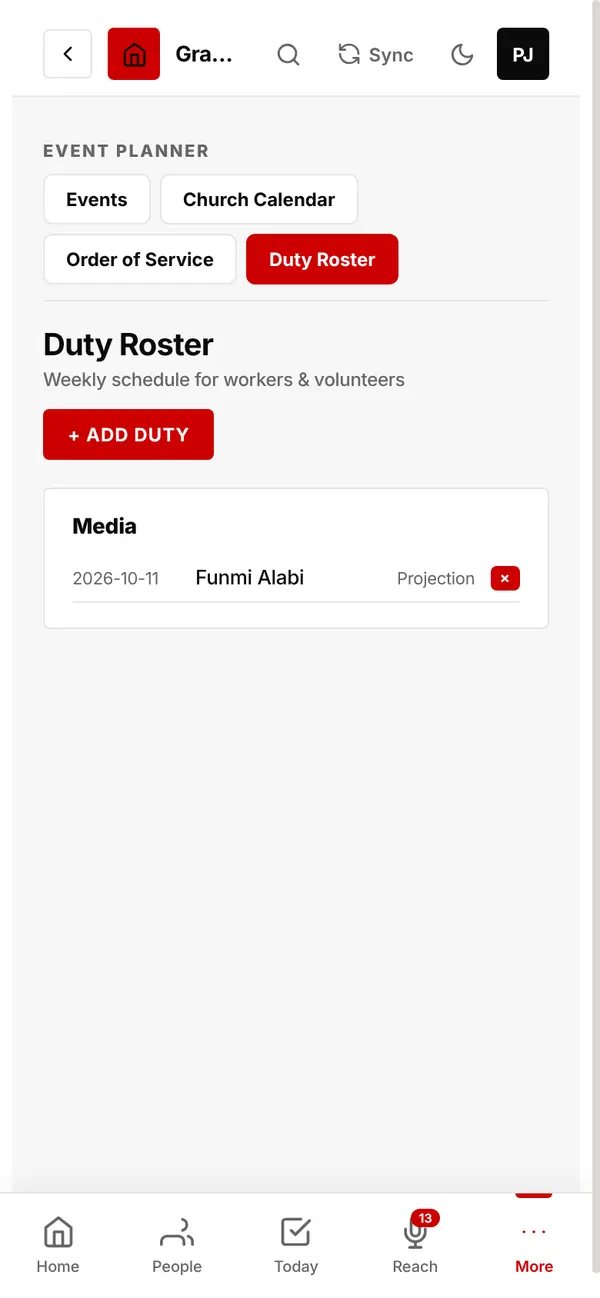
A weekly schedule for workers and volunteers: who serves, in which department, on which day.
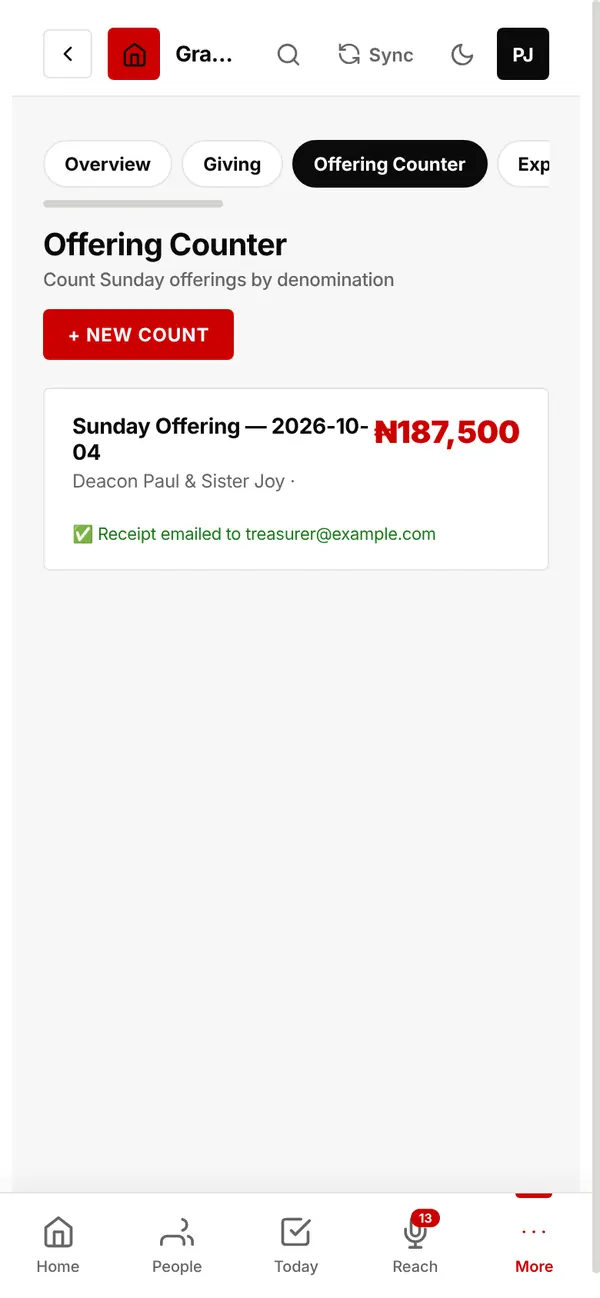
Count each service's offering by denomination, see the total, and email a receipt to your treasurer.
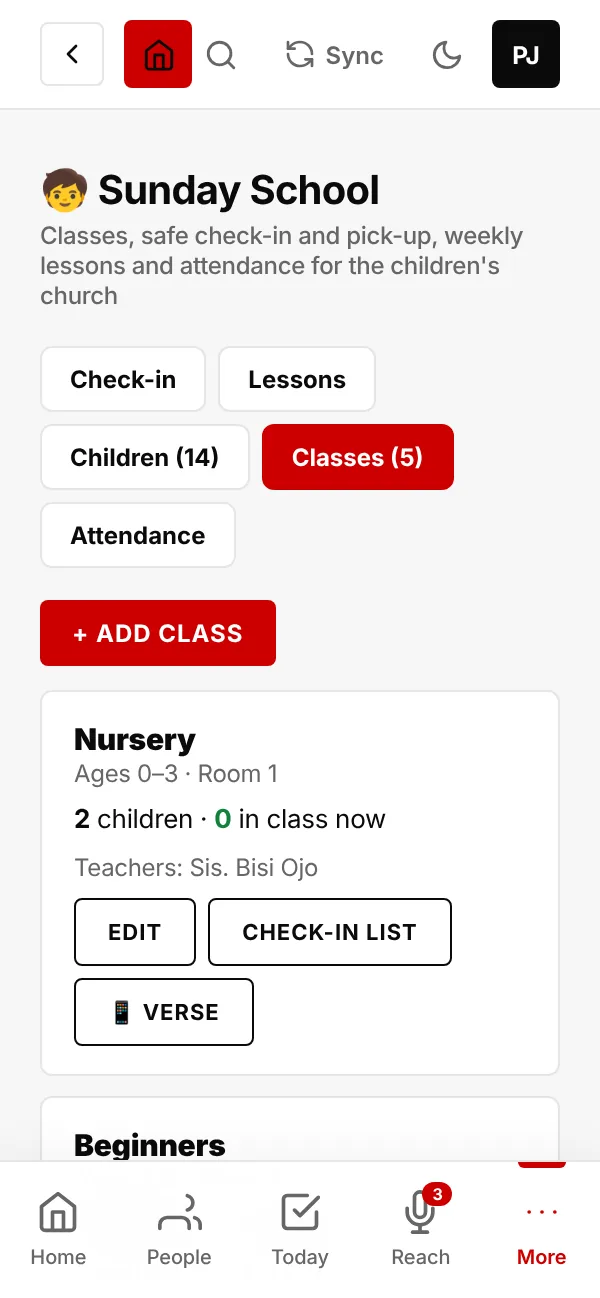
The children's church: classes, safe check-in and pick-up, weekly lessons and attendance.
Start with the usual five age classes (Nursery 0–3, Beginners 4–6, Primary 7–9, Juniors 10–12 and Teens 13–17), or make your own. Each class has its teachers and room.
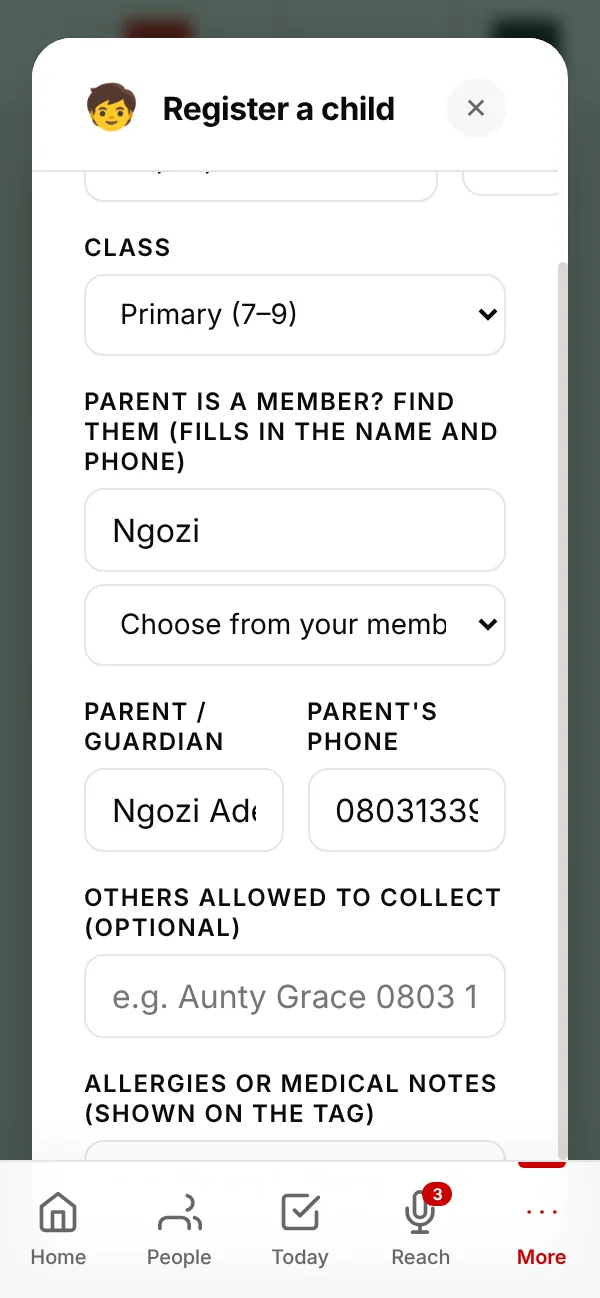
Type the child's name and date of birth. EasyChurch puts them in the right class for their age.
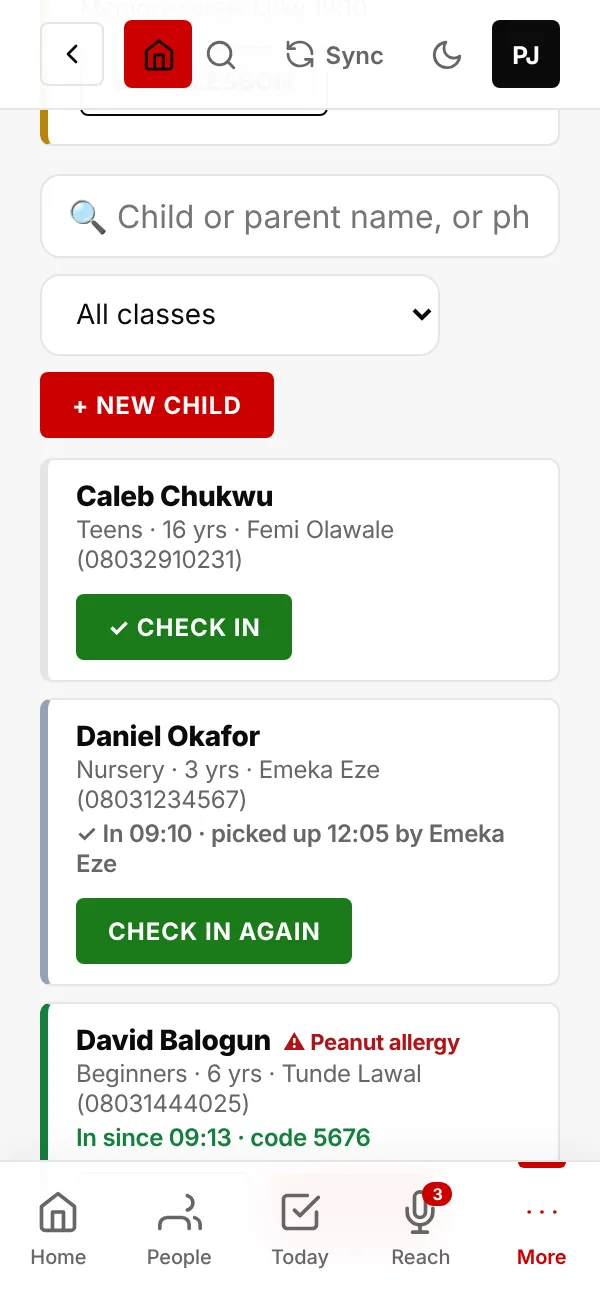
Tap ✓ Check in as each child arrives. EasyChurch gives the child a 4-digit pick-up number and shows who is in class now.
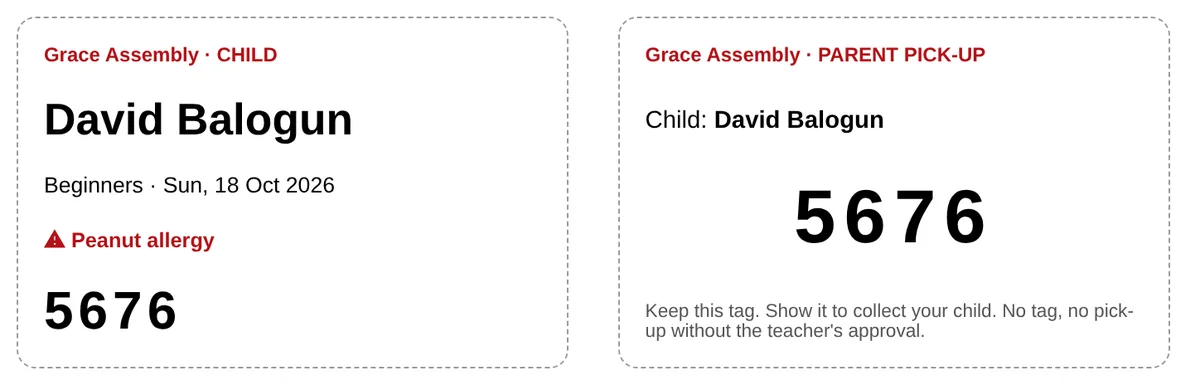
The child's tag shows the class and any allergy. The parent keeps the tag with the matching number.
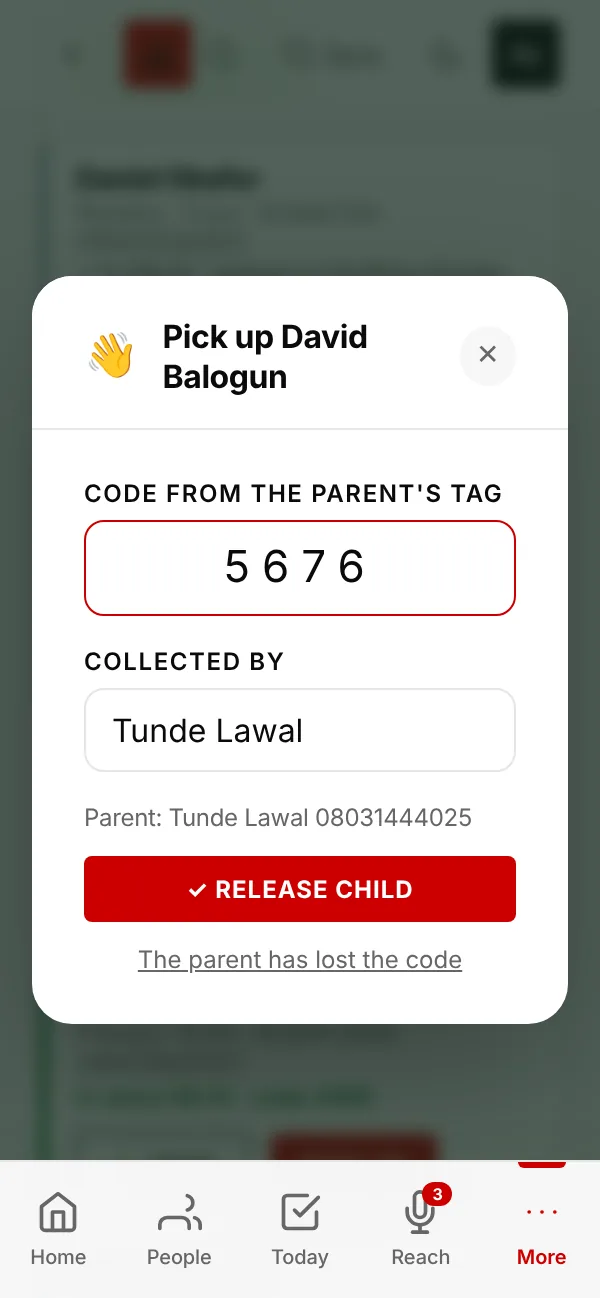
Type the number on the parent's tag and the name of whoever is collecting the child, then tap Release child.
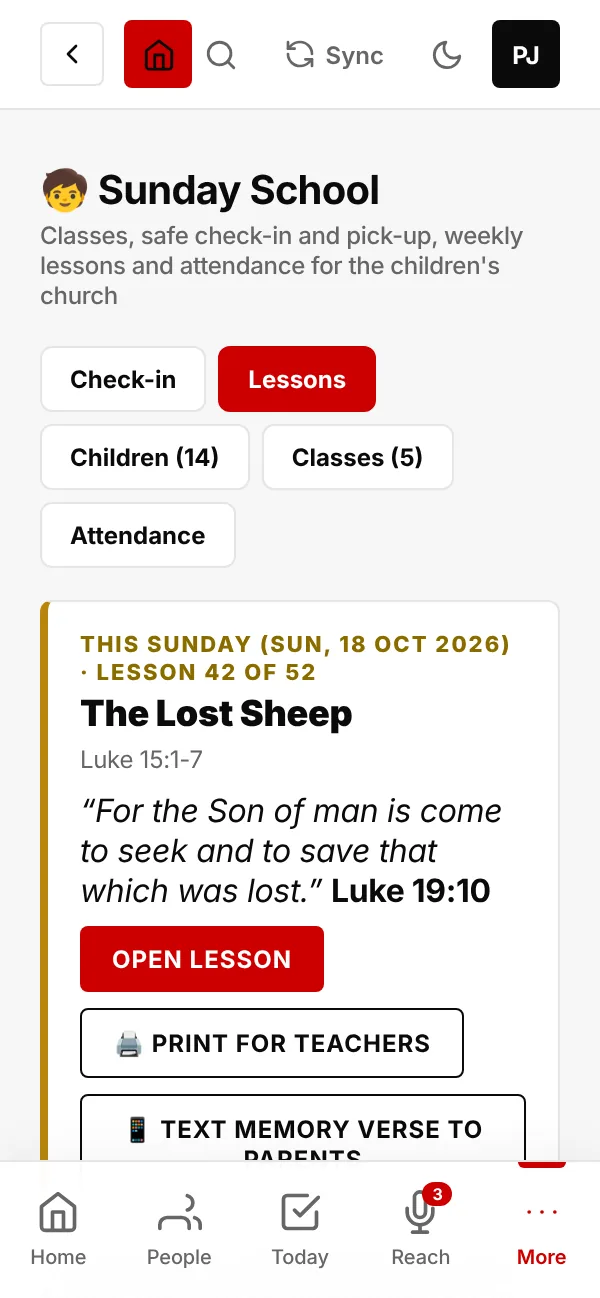
52 weeks of Bible lessons from the King James Version, Genesis to Acts. Each has the passage, a memory verse, the big idea, the story, an activity for younger classes and questions for older ones.
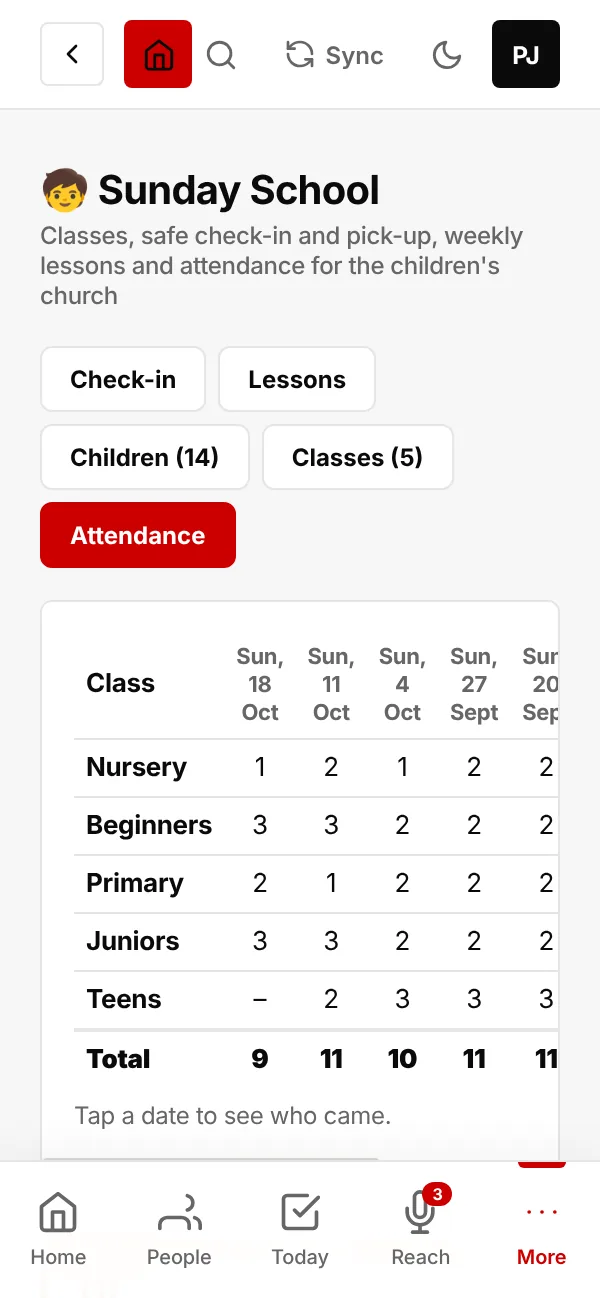
How many children came to each class over the last 8 Sundays. Tap a date to see who came.
Children who have missed the last 3 Sundays are listed with their parent's phone number, so someone can call.
The personal touch, and nobody slipping away.
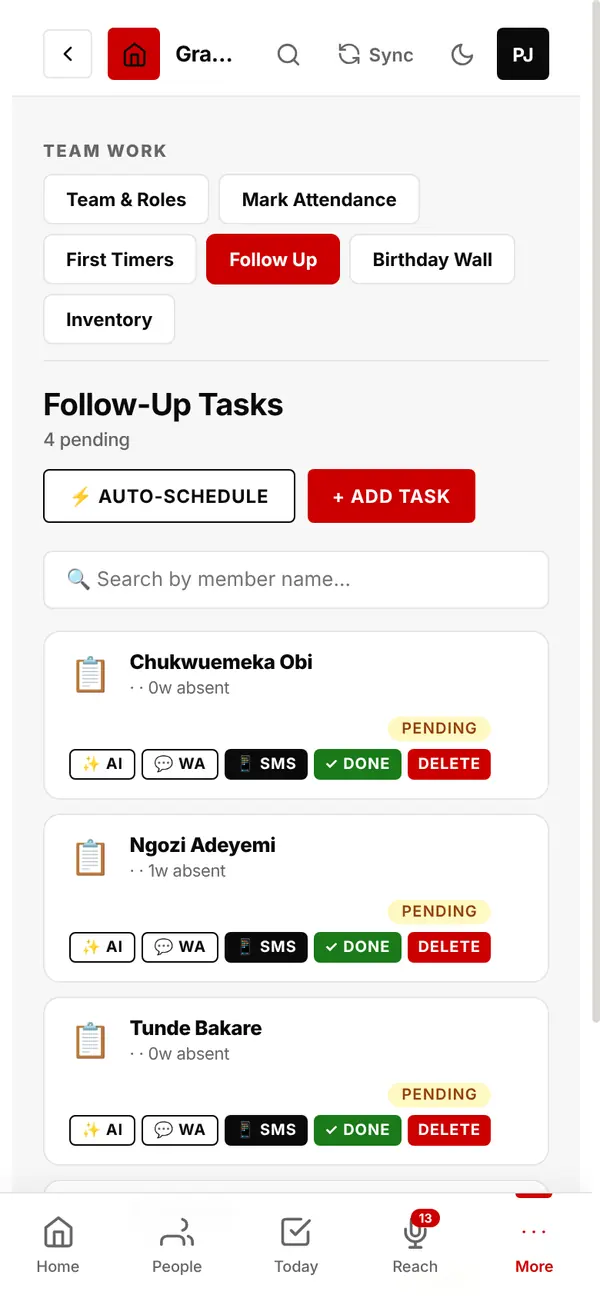
A to-do list of calls and visits.
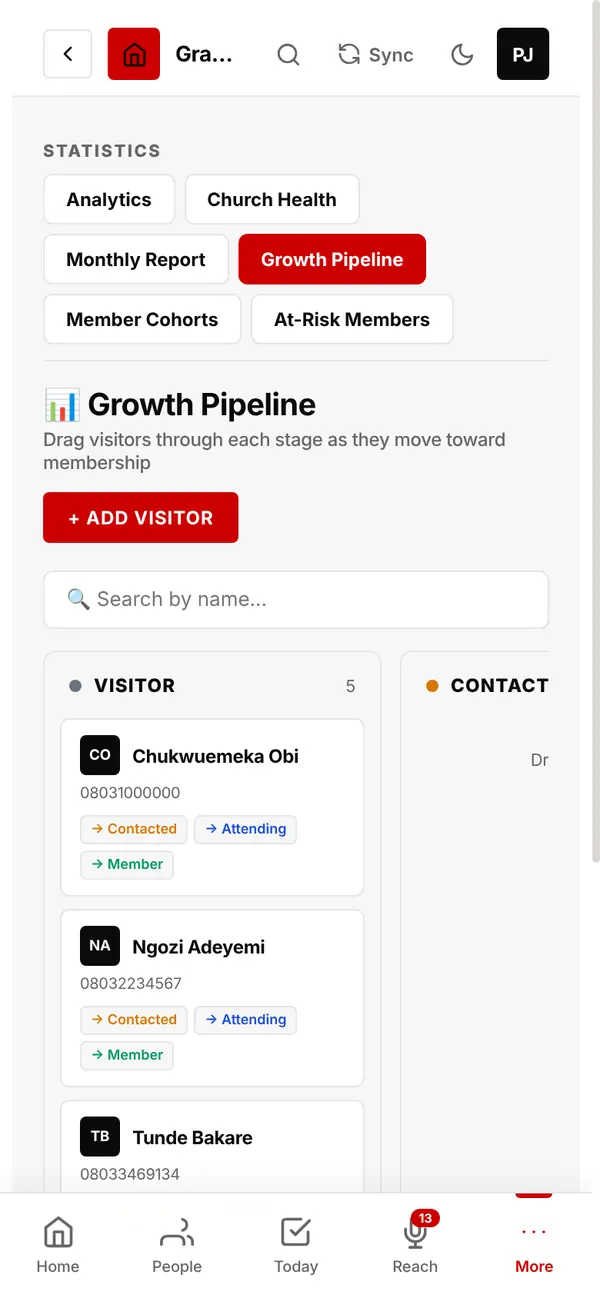
See every visitor's stage: Visitor → Contacted → Attending → Member. Drag them along as they grow.
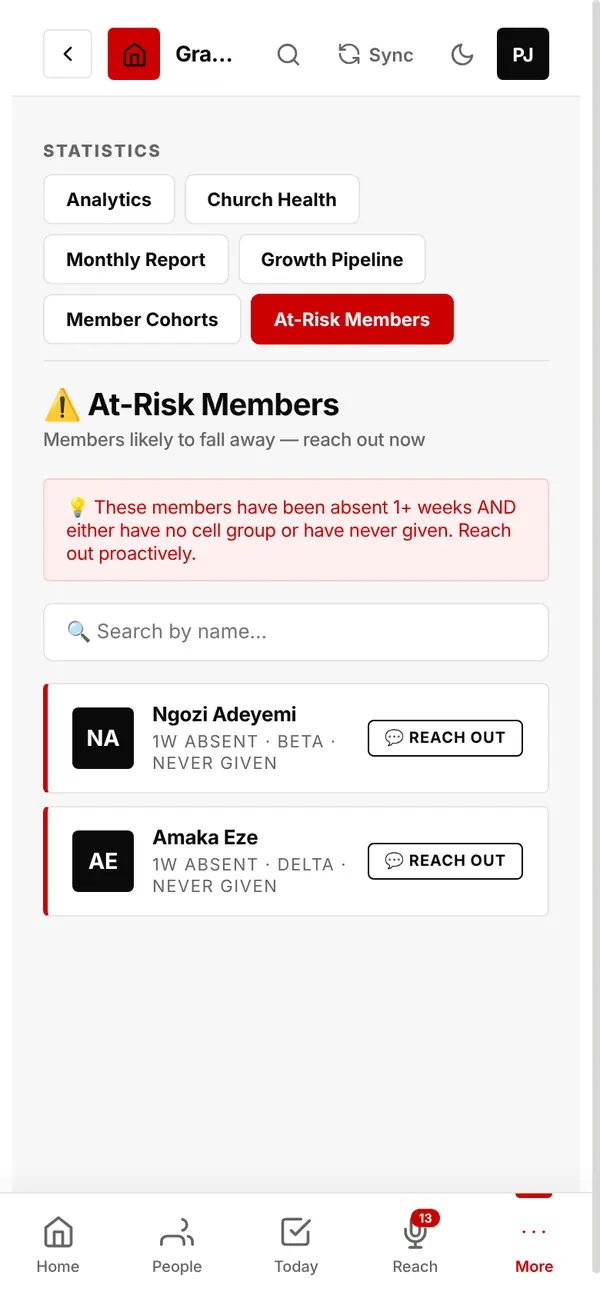
People who have been absent, are in no cell group, or have never given, so you can reach out before they drift away.
Tap Reach Out on anyone in the list.
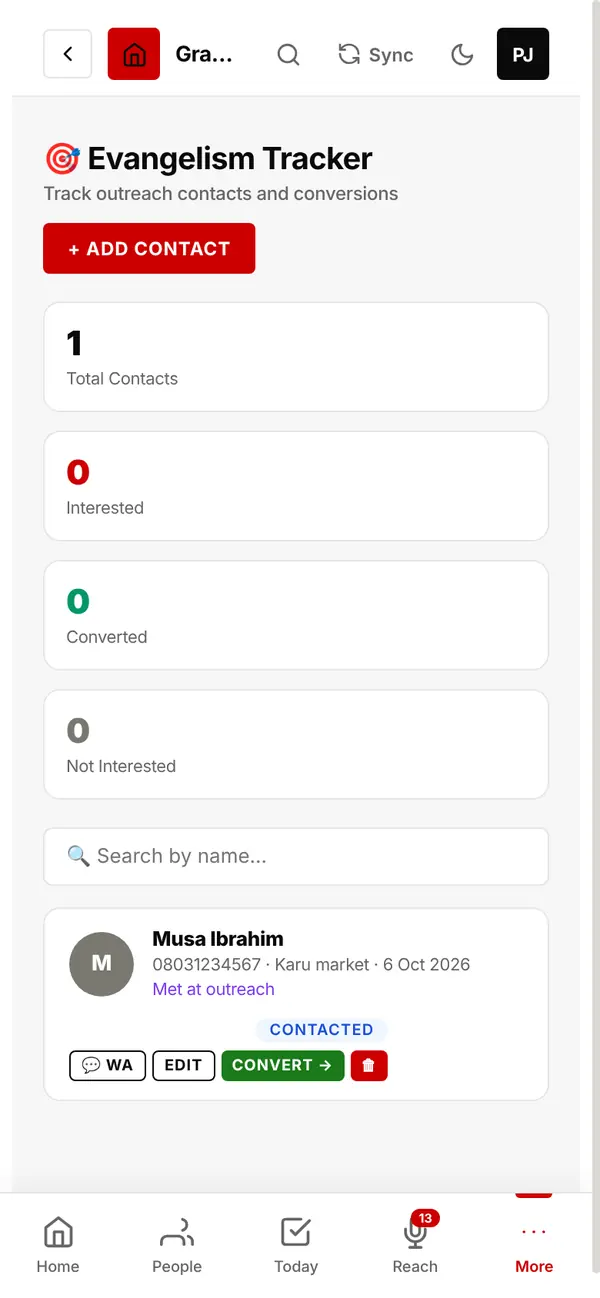
Log everyone you meet during outreach. Each one gets a warm text at once, with your church's phone number.
Mark them interested, converted or not interested; tap Convert to add them to your people.
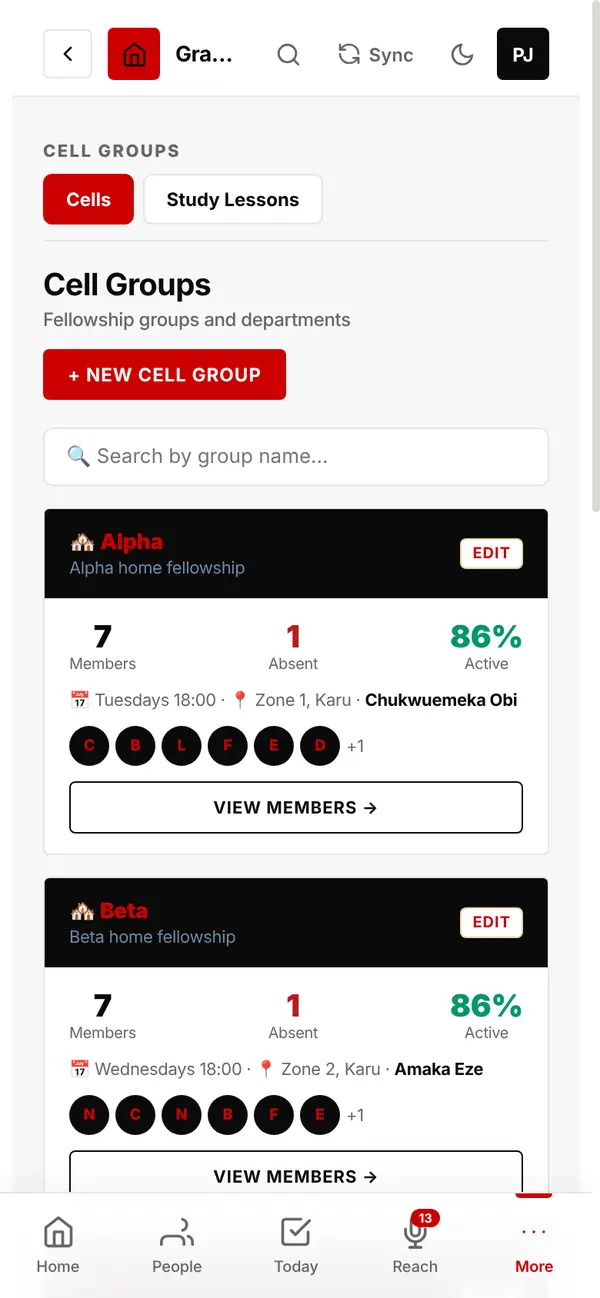
Each cell shows its members, who is absent and its active rate.
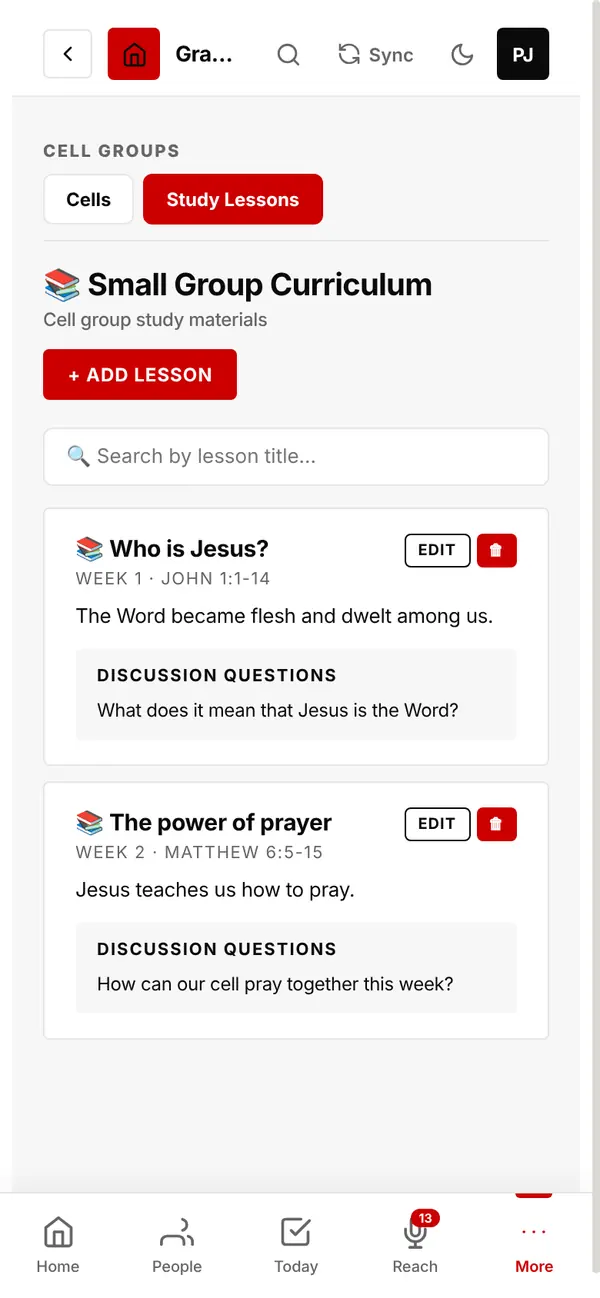
Keep the lessons your cells study each week: title, Bible passage, summary and discussion questions.
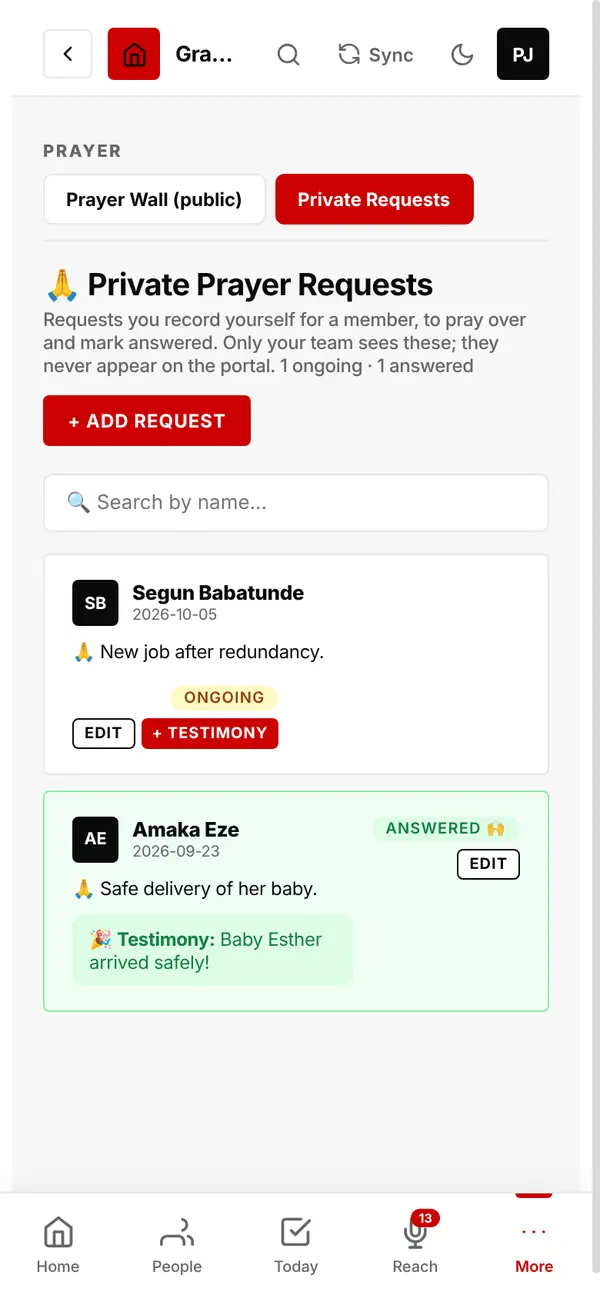
Requests you record for a member, to pray over and mark answered, with their testimony. Only your team sees them.
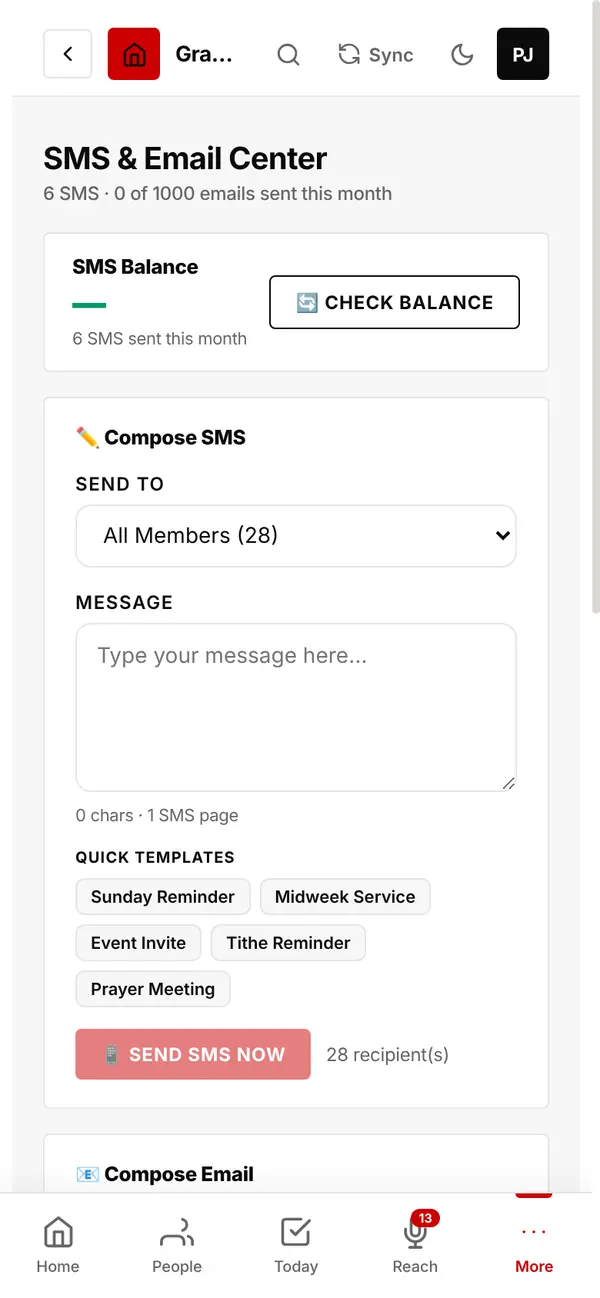
Texts and emails you send yourself.
Send to all members, active members, first timers, absentees, today's birthdays, the bereaved, evangelism contacts, one cell, or one person.
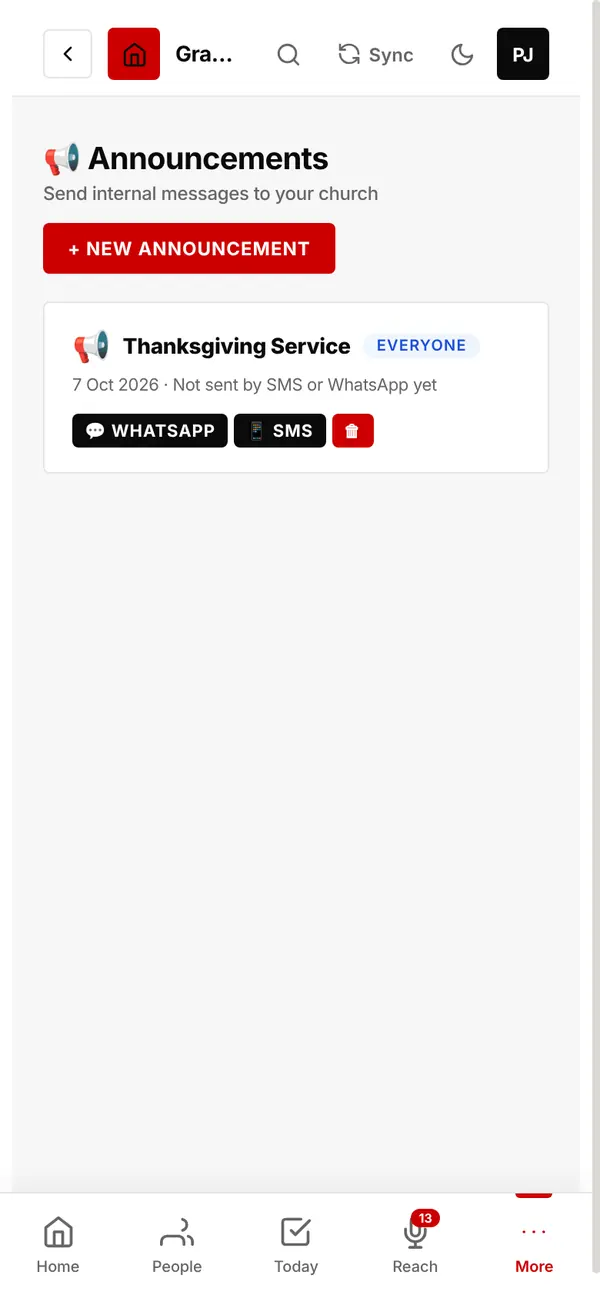
An announcement for everyone appears on your church page as soon as you save it.
From the same card, send it by SMS or share it to a WhatsApp group.
From new convert to leader.
Foundation Class, Discipleship Class, Leadership Class, School of Ministry and Bible School, each showing who has finished and who is in progress.
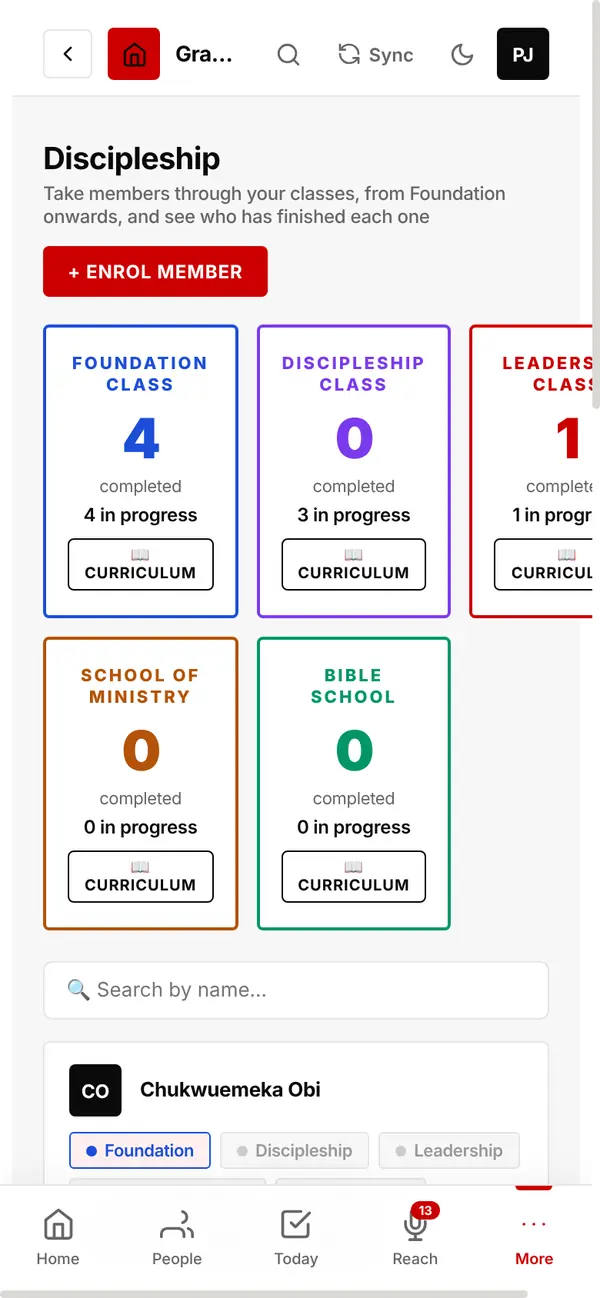
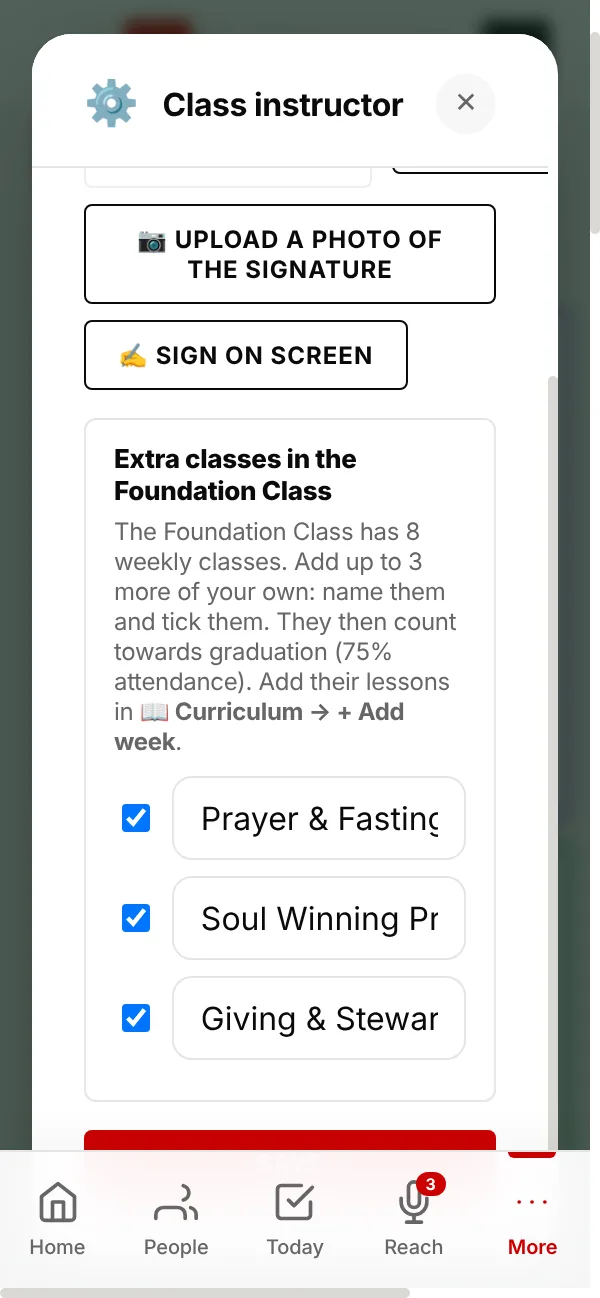
The Foundation Class has 8 weeks. You can add up to 3 classes of your own, such as Prayer & Fasting, as weeks 9, 10 and 11.
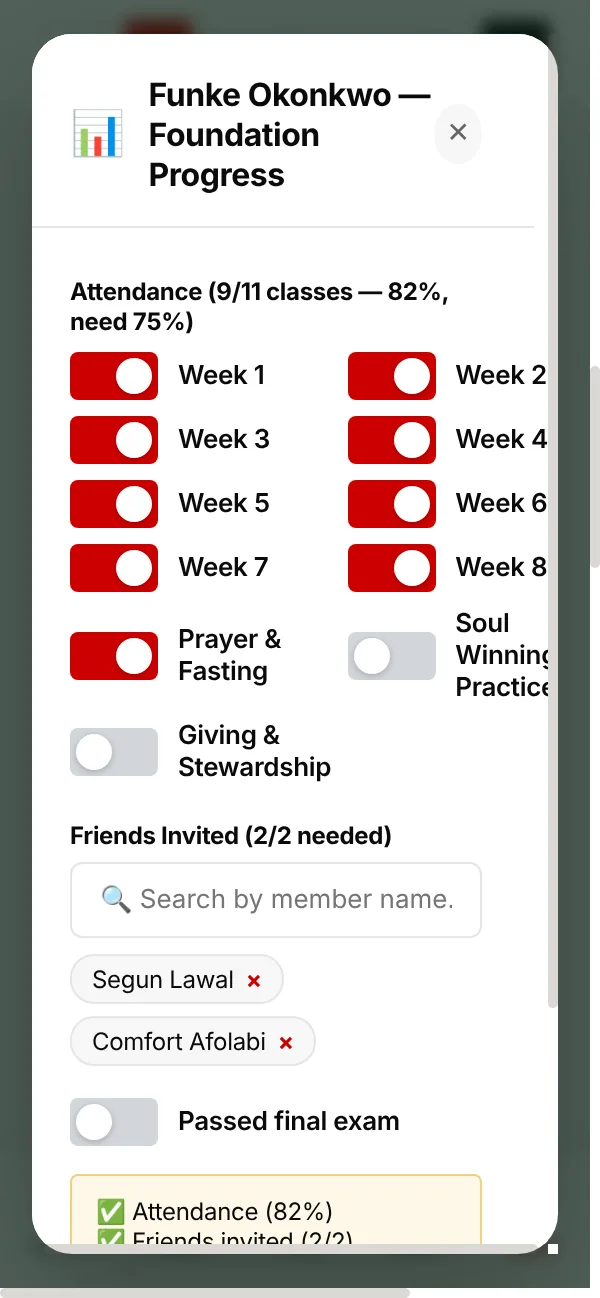
Tick the weeks attended, add the friends they invited, and record the exam.
A Foundation student graduates after attending at least 75% of the classes (6 of 8, or more if you add extra classes), inviting 2 friends and passing the exam. Then tap Mark Graduated.
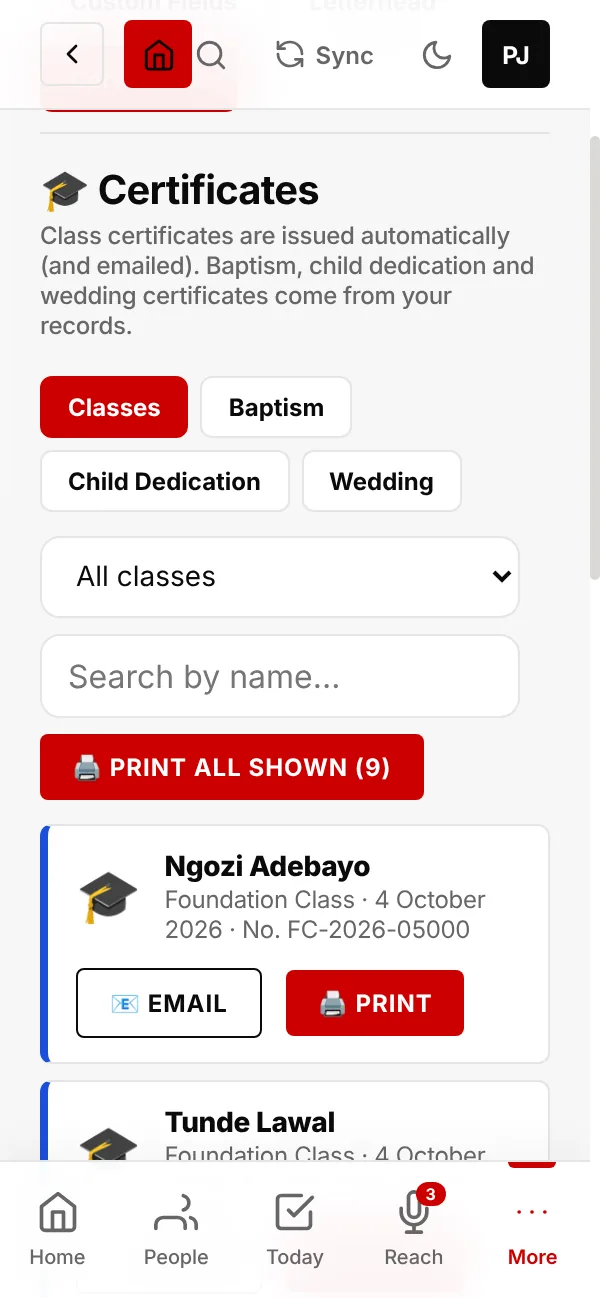
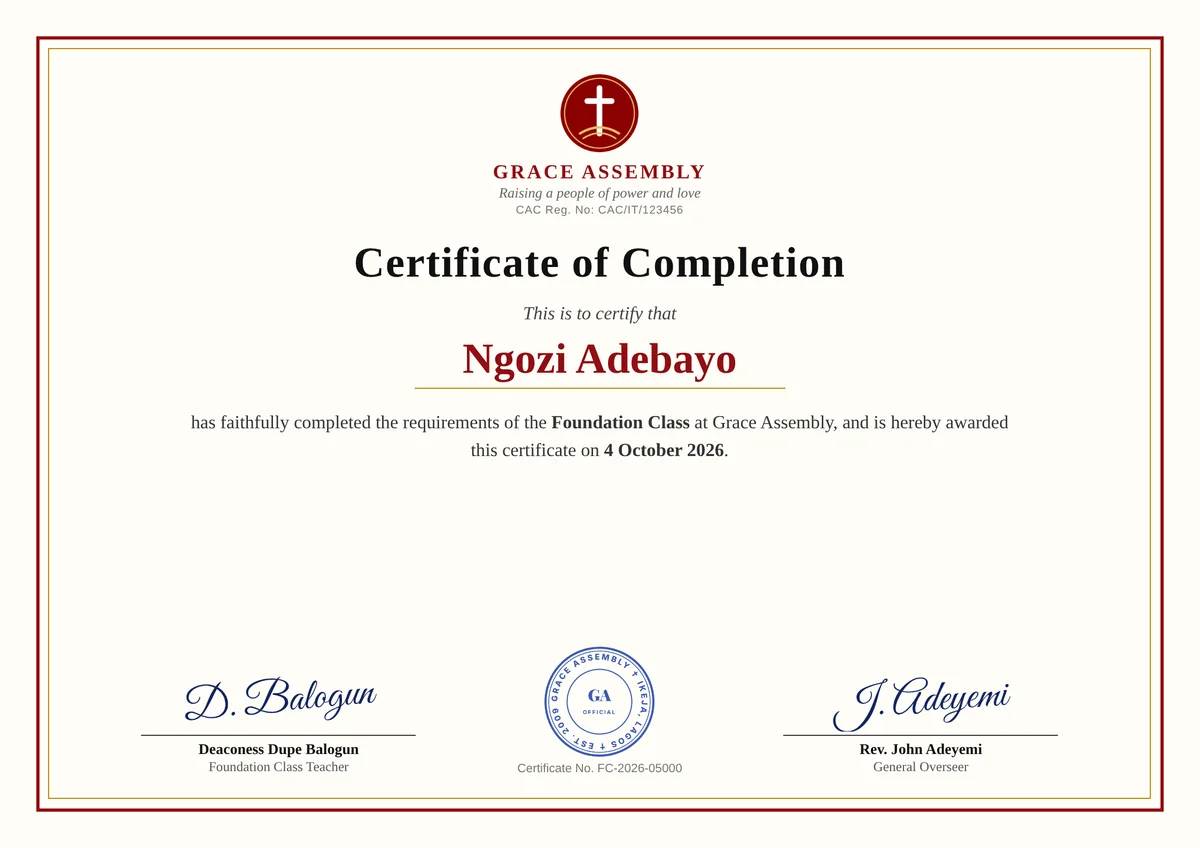
When a student completes a class, their certificate is ready at once and is emailed to them as a PDF.
Red and gold, with your logo, motto and CAC number. It carries the instructor's and the Founder's signatures, your seal and a certificate number.
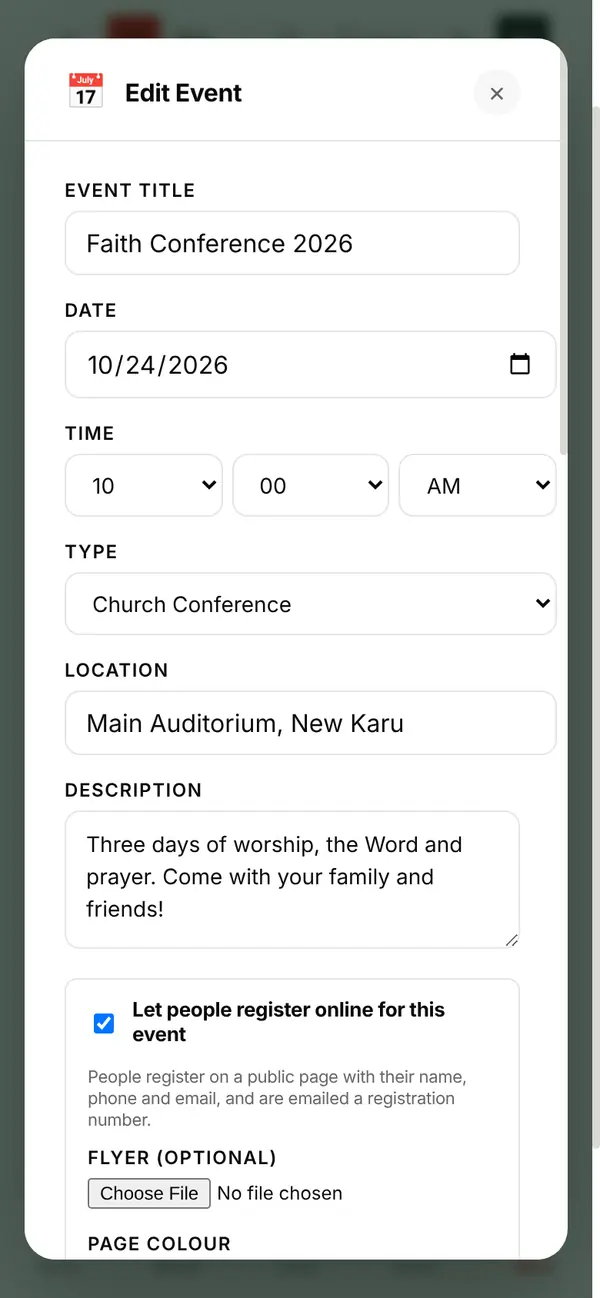
Registration, reminders and follow-up.
Title, date, time, type, place and description. Tick Let people register online, add your flyer and colour.
Set the maximum places (the form closes itself when full), a closing date, and a WhatsApp group link people go to after registering.
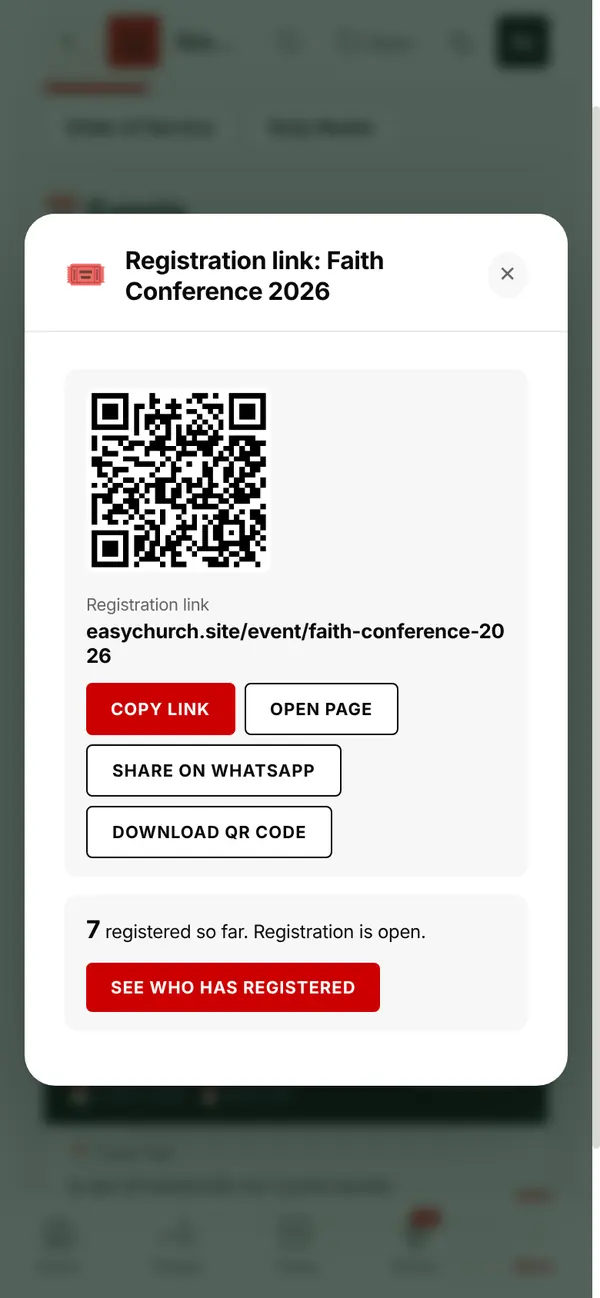
A link with the event's name in it, and a QR code. On WhatsApp it shows the event's name and flyer.
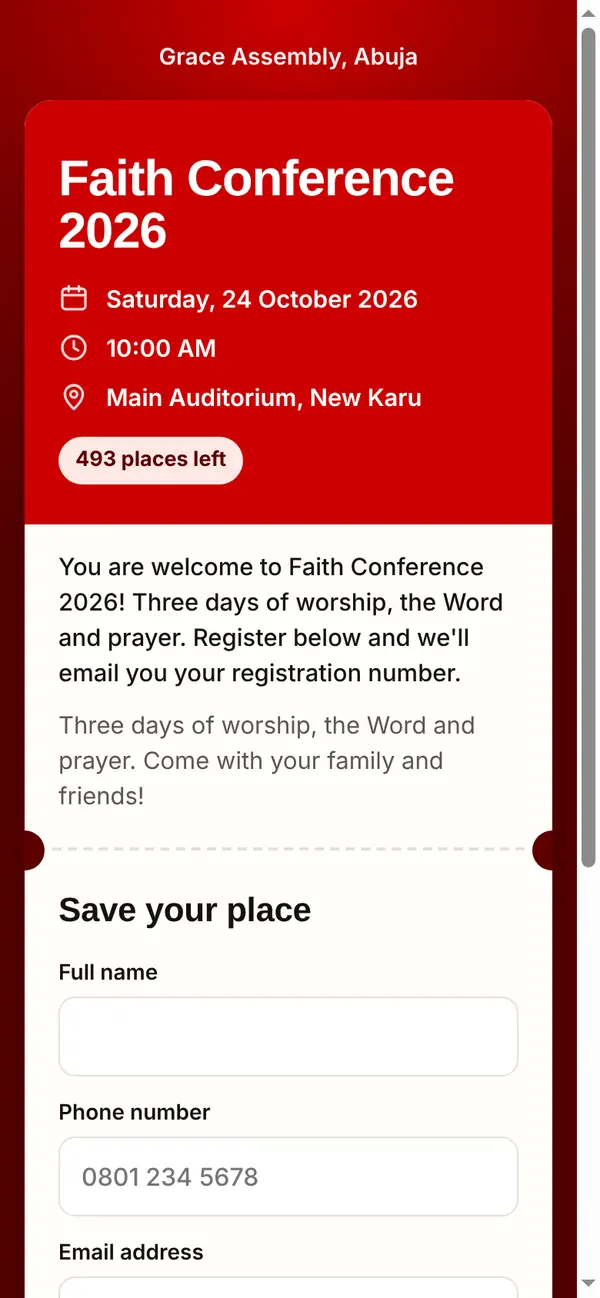
Name, phone and email. They are emailed a registration number at once (like FC2026-001), reminded by text the day before, and the morning after they join your First Timers.
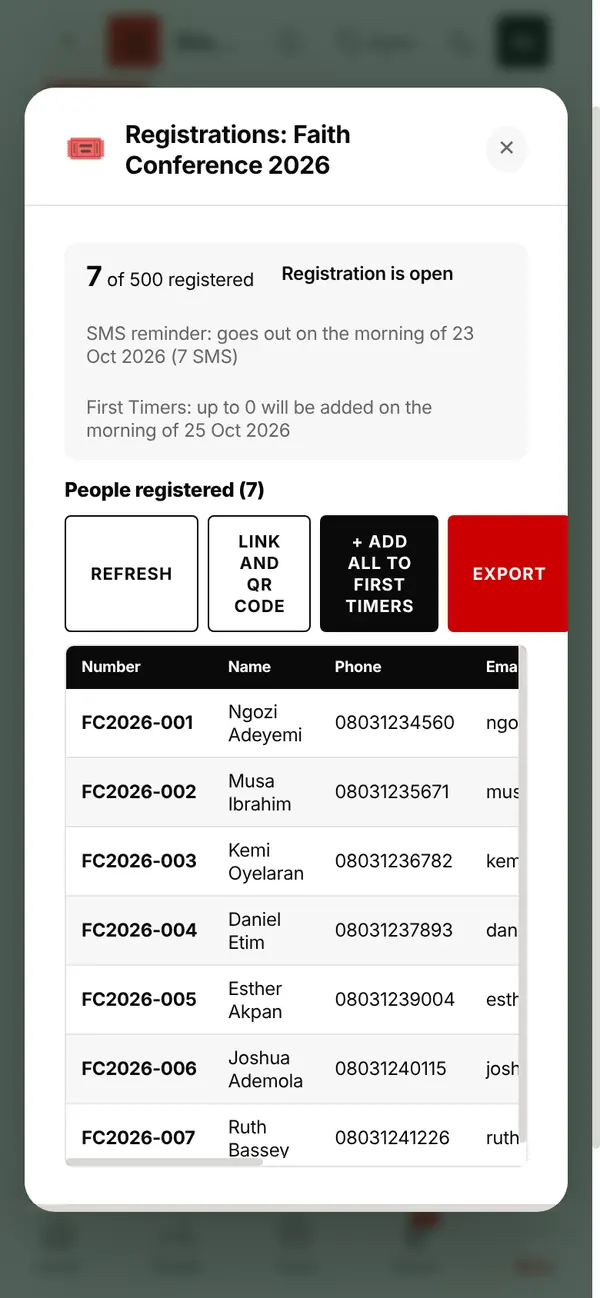
Everyone who signed up, with their number, phone, email and time. Tap Export to download the list.
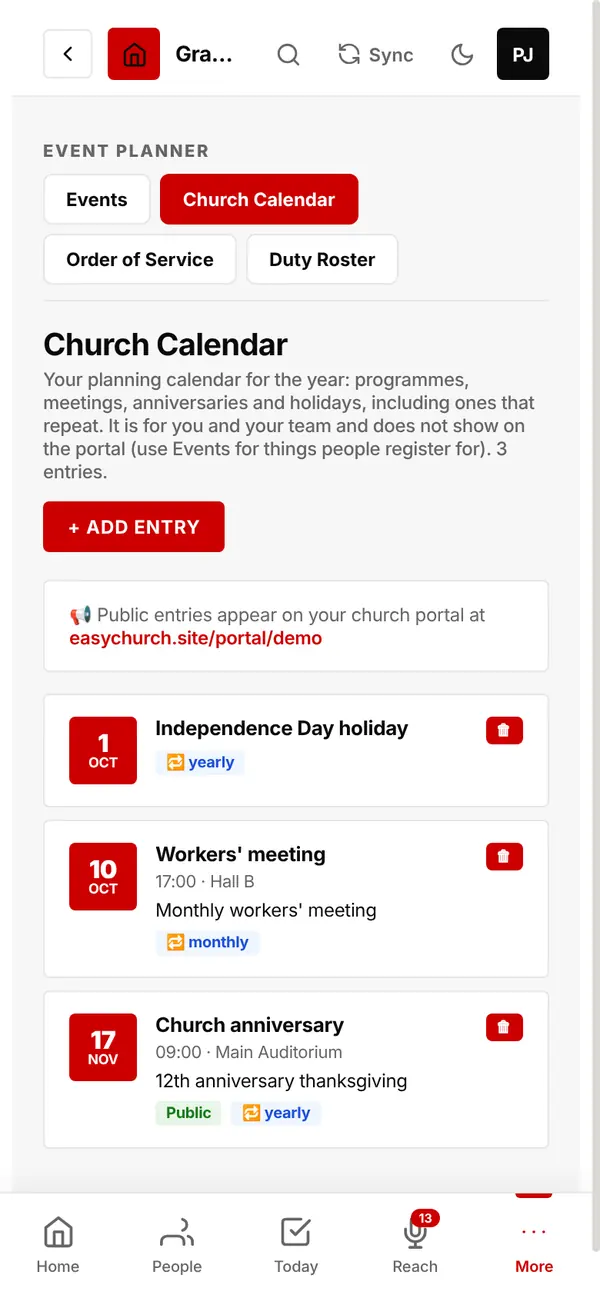
Your planning calendar for the year: programmes, meetings, anniversaries and holidays, including ones that repeat.
Entries marked public also appear on your church page.
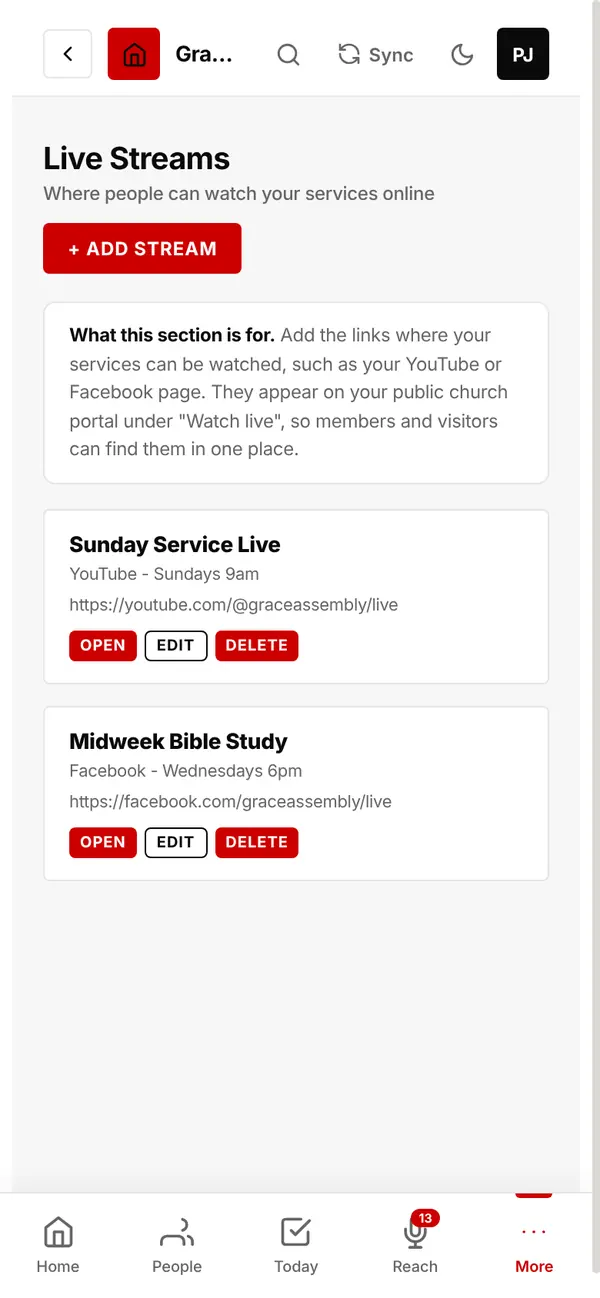
Add your YouTube, Facebook or other stream links. They appear on your church page under Watch live.
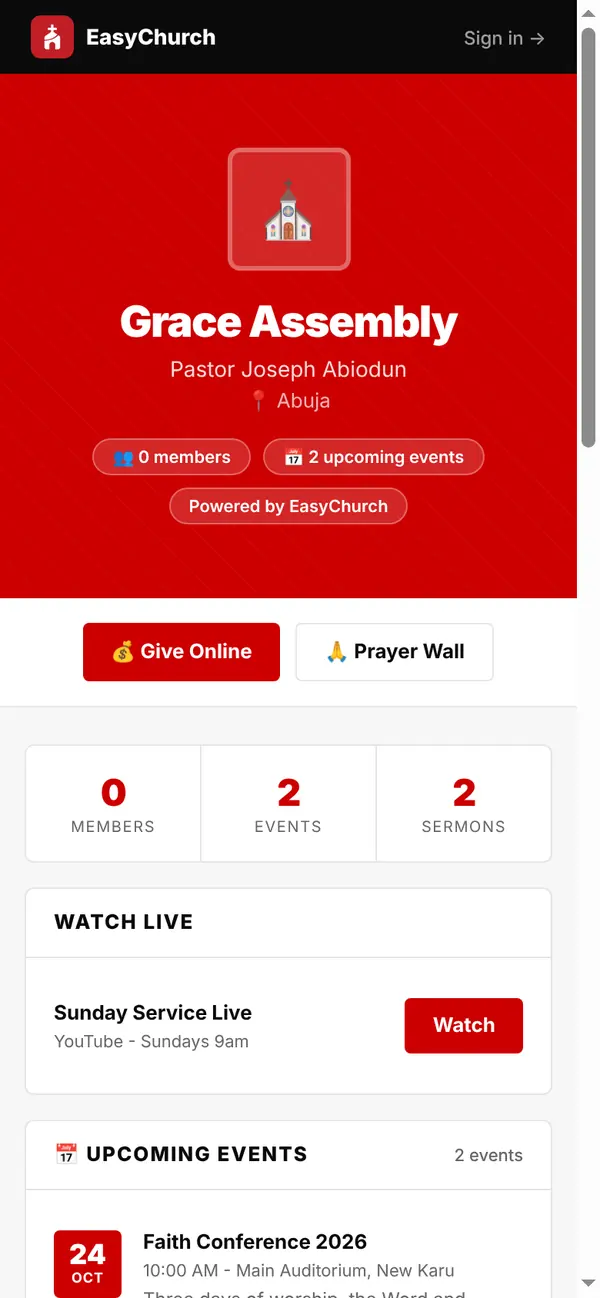
Your church online, without building a website.
Sermons with watch links, announcements, events with Register buttons, Watch live, Give Online and your Prayer Wall, all at one link.
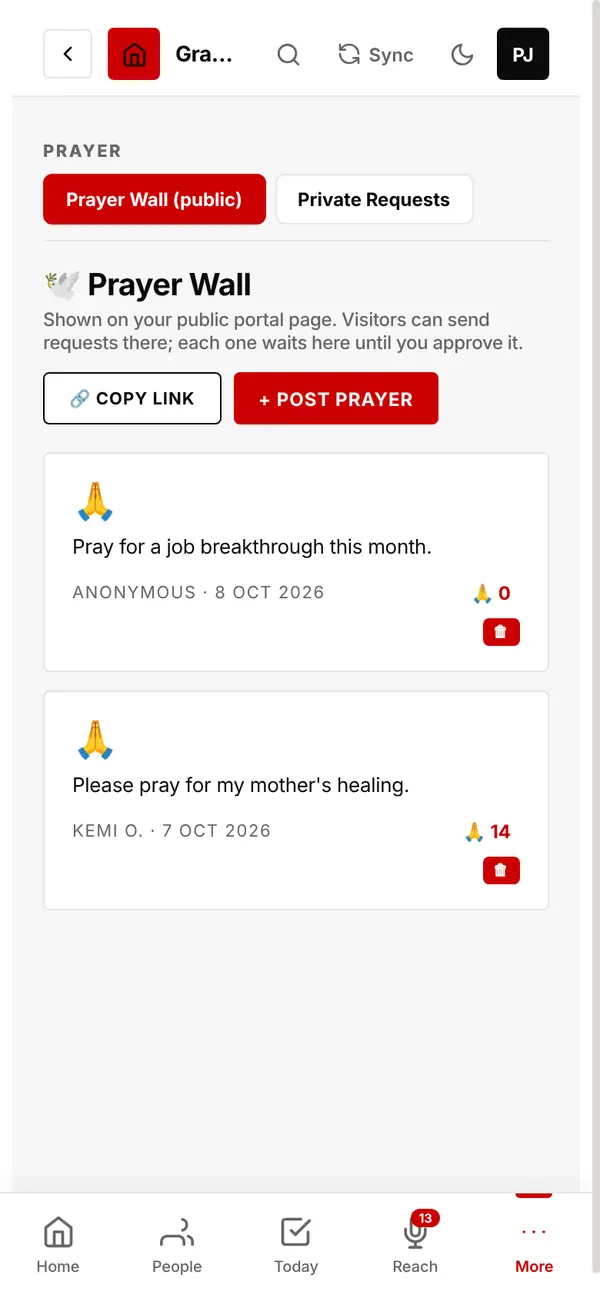
Visitors send requests from your page. Each waits for your approval before it shows, and people tap Pray to pray along.
Everything you need to keep.
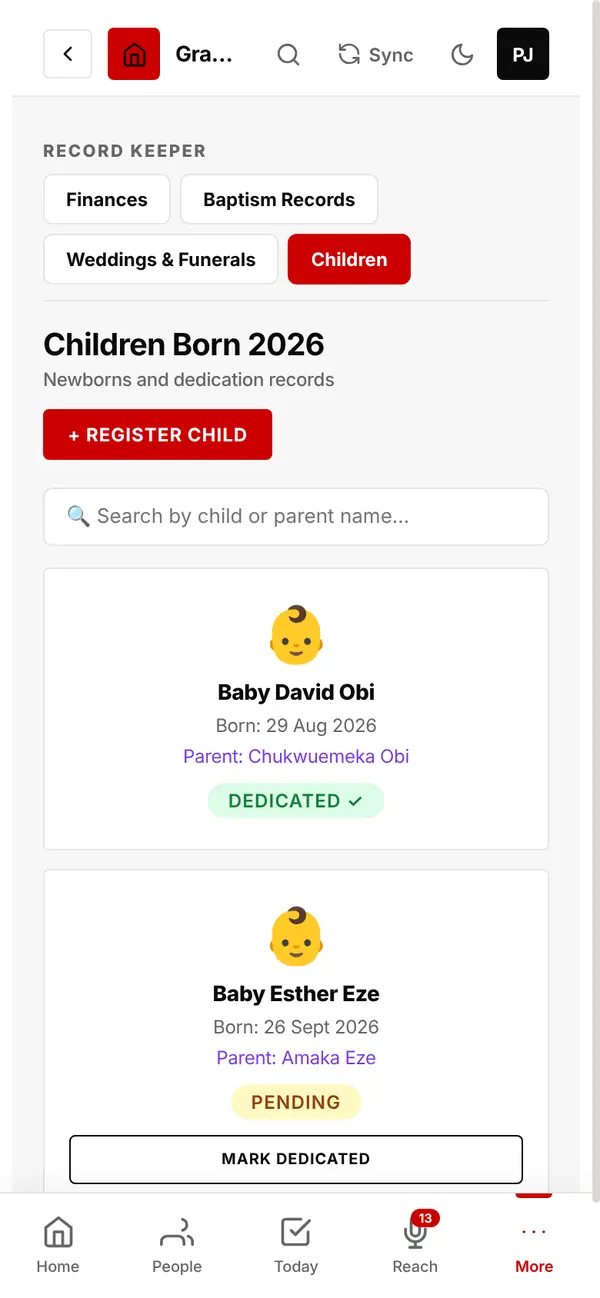
Newborns and dedications: name, date of birth and parent. Tap Mark Dedicated after the dedication.
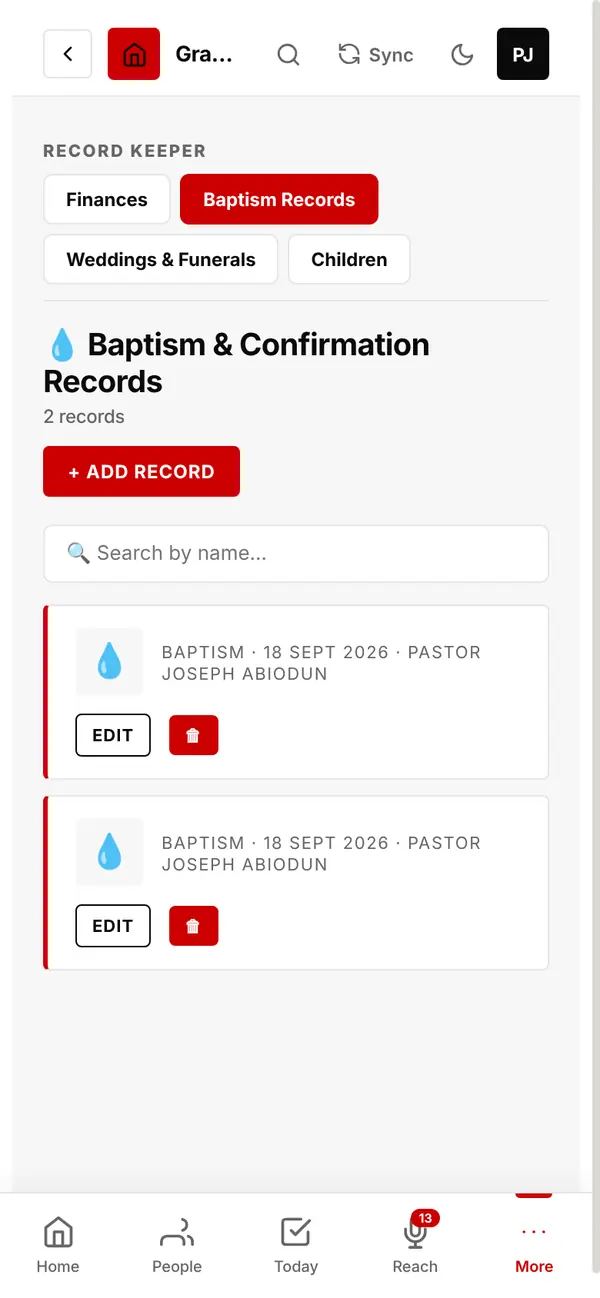
Baptism and confirmation records with date, place and officiating minister.
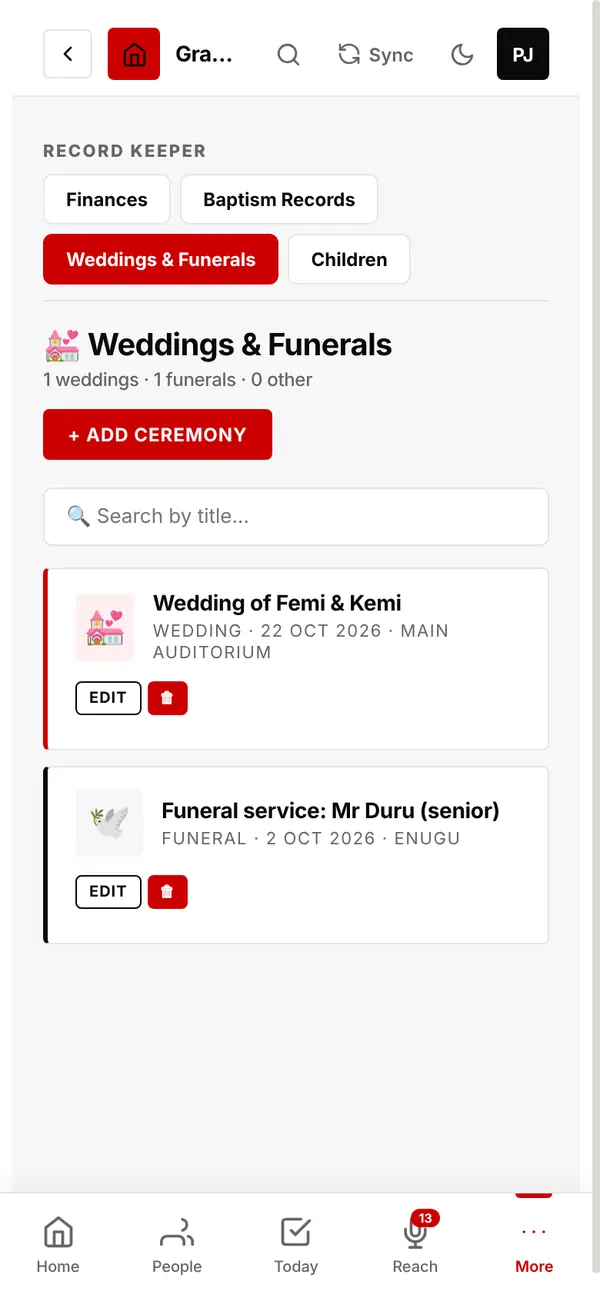
Weddings, funerals and other ceremonies, with date, place and the member concerned.
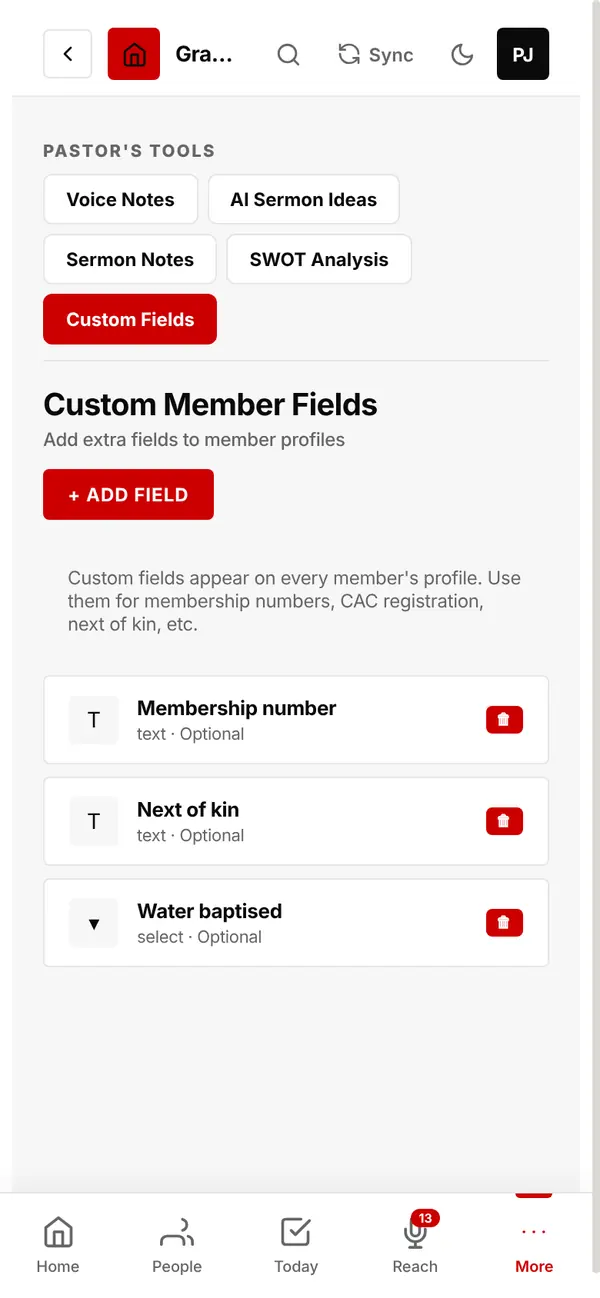
Add your own fields to every member's profile: membership number, next of kin, CAC registration, anything.
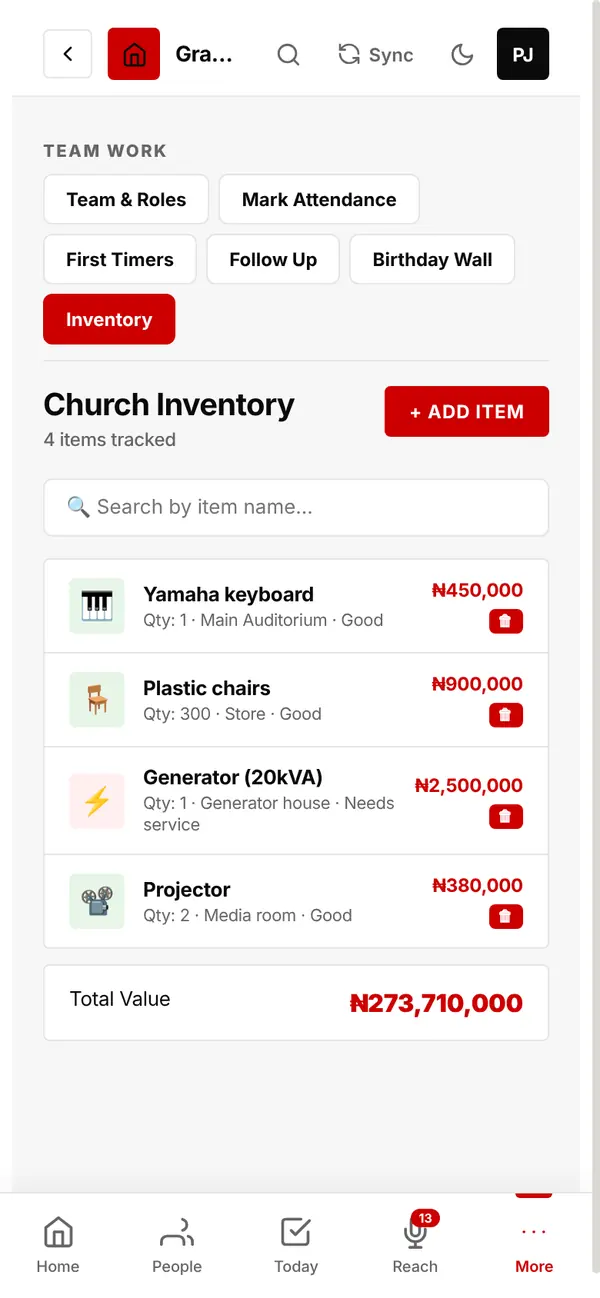
Church equipment, furniture and instruments: quantity, condition, where it is and what it is worth.
Money in order, without spreadsheets.
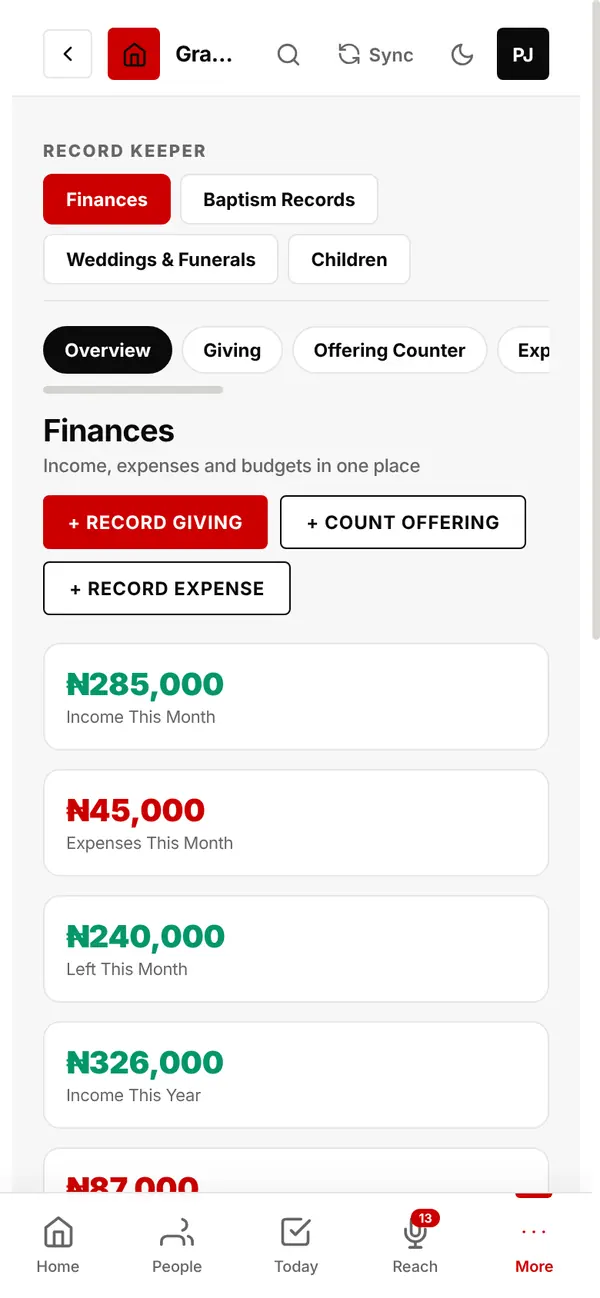
Income, expenses and what is left this month and this year.
Want online giving? Add your church's Flutterwave account in Settings: members give at your giving page and the money goes straight to the church.
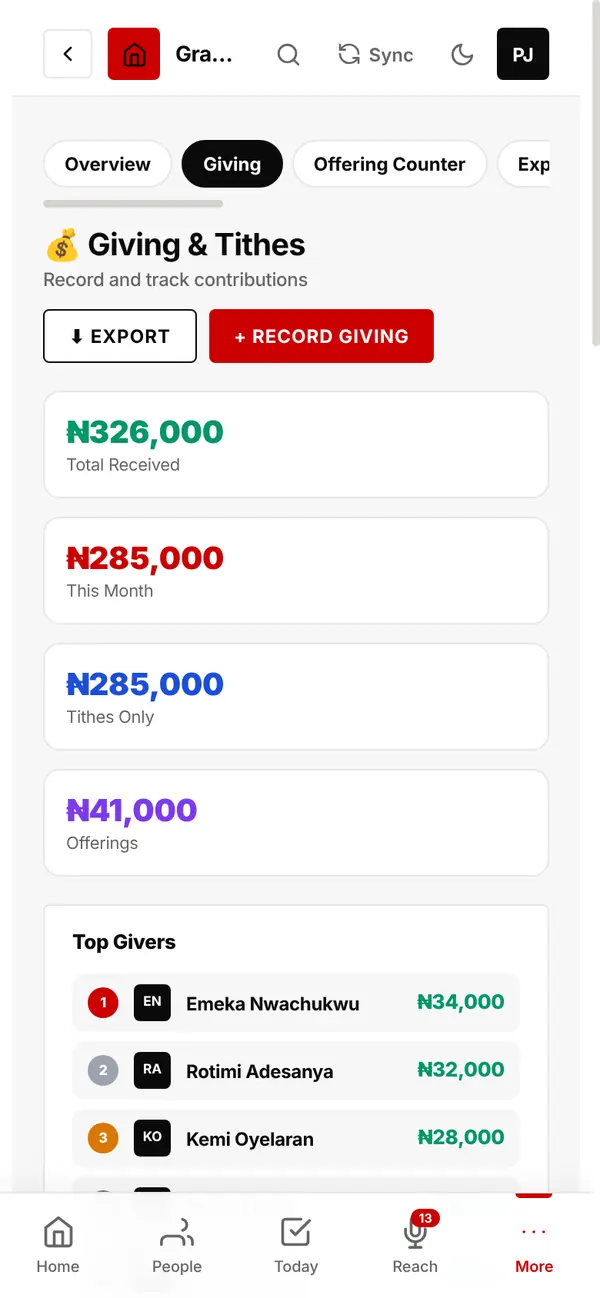
Record tithes and offerings against each member. See top givers, print a receipt for any gift, export everything.
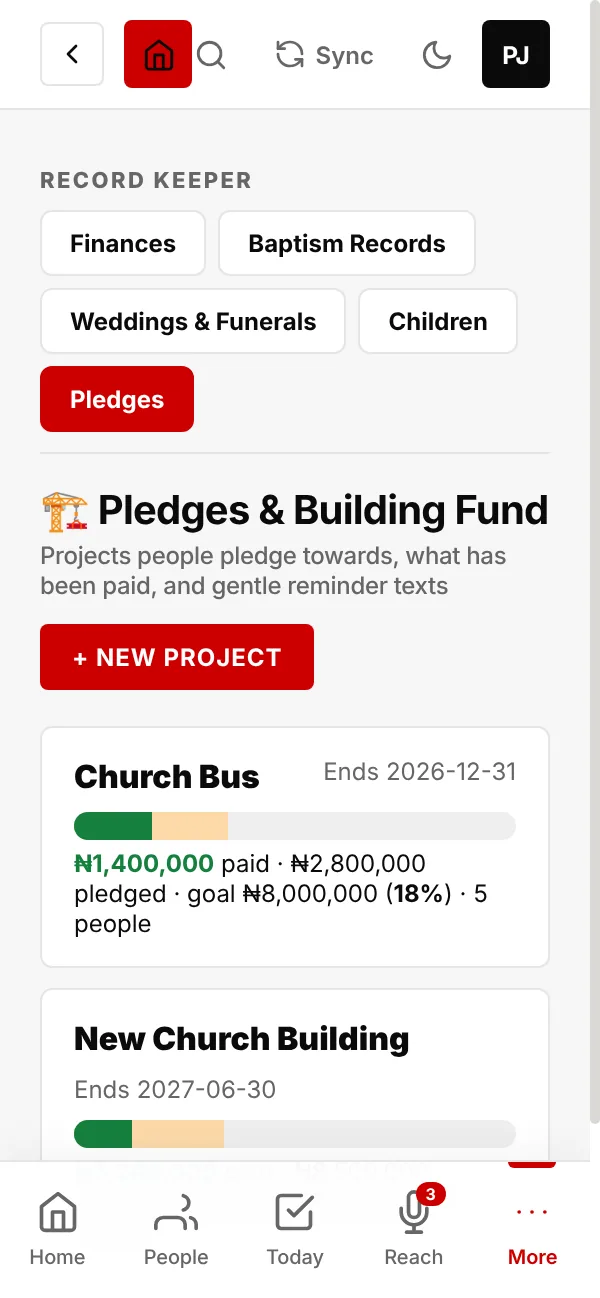
Start a project with a goal, such as a new building or a church bus. One bar shows what has been paid, what has been pledged, and the goal.
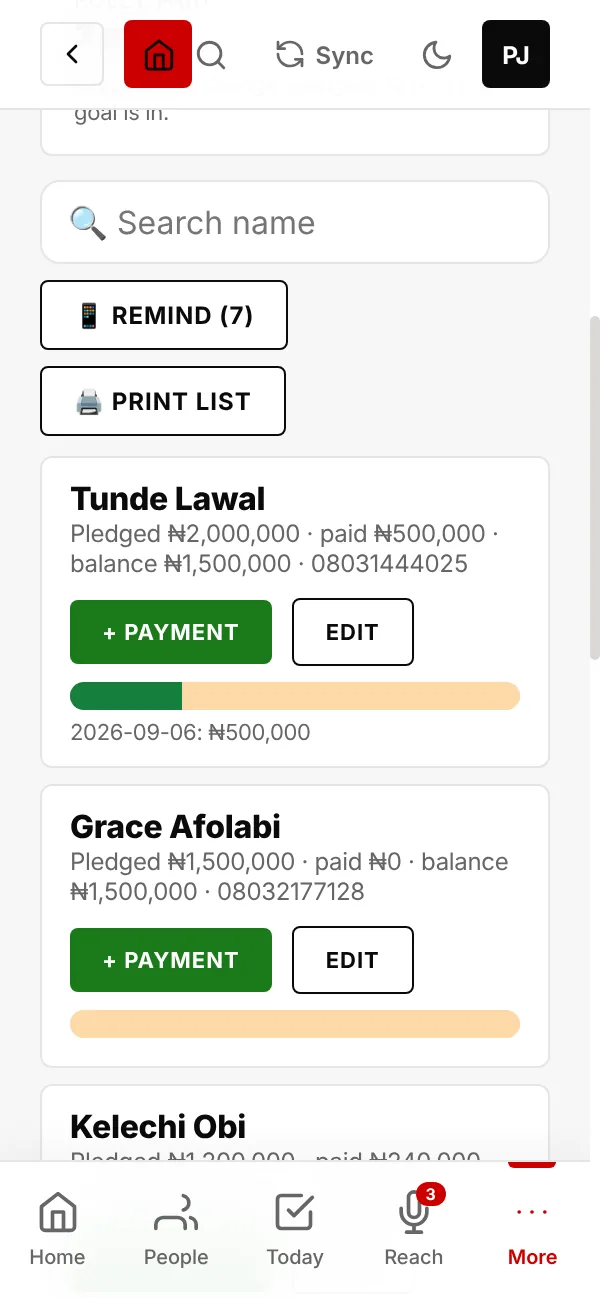
Tap + Add pledge, find the member and type the amount they pledged.
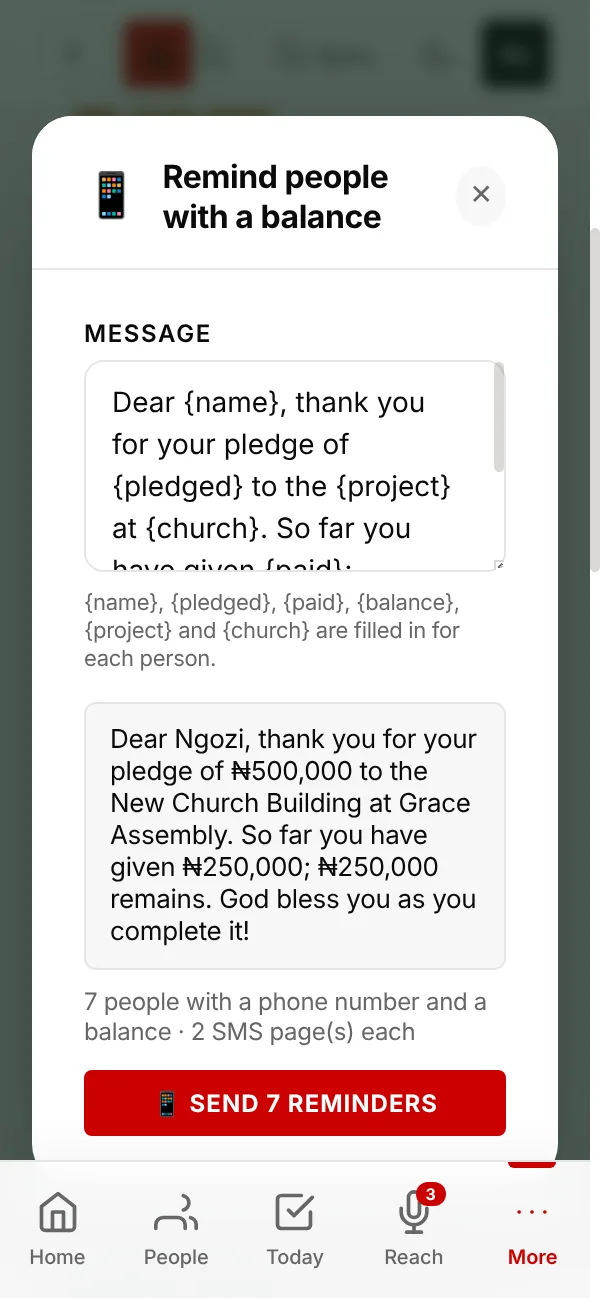
One tap texts everyone who still owes money, each with their own figures: what they pledged, what they have paid, and what is left.
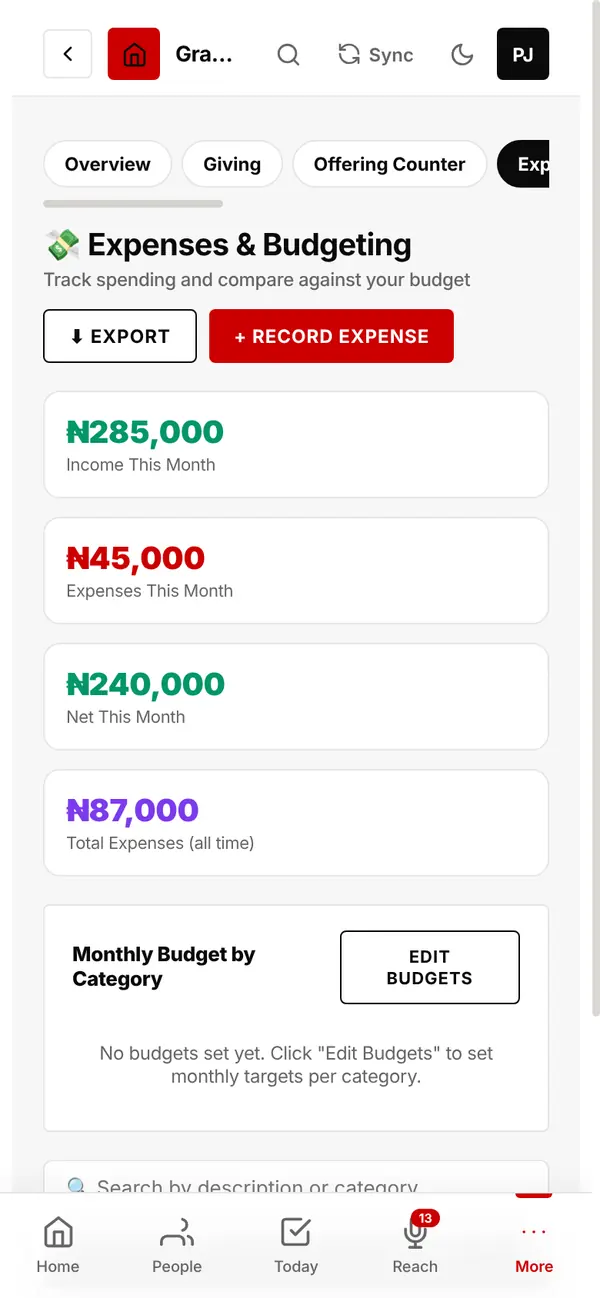
Record what the church spends by category, and set a monthly budget for each.
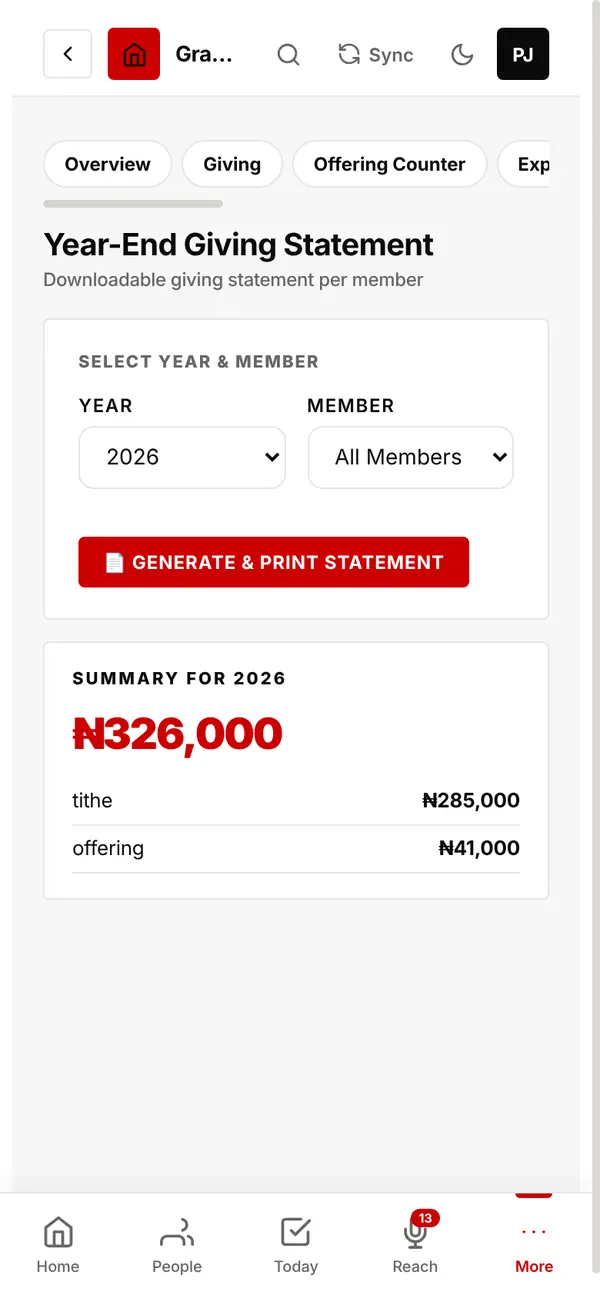
A monthly financial statement to print, and a year-end giving statement for any member.
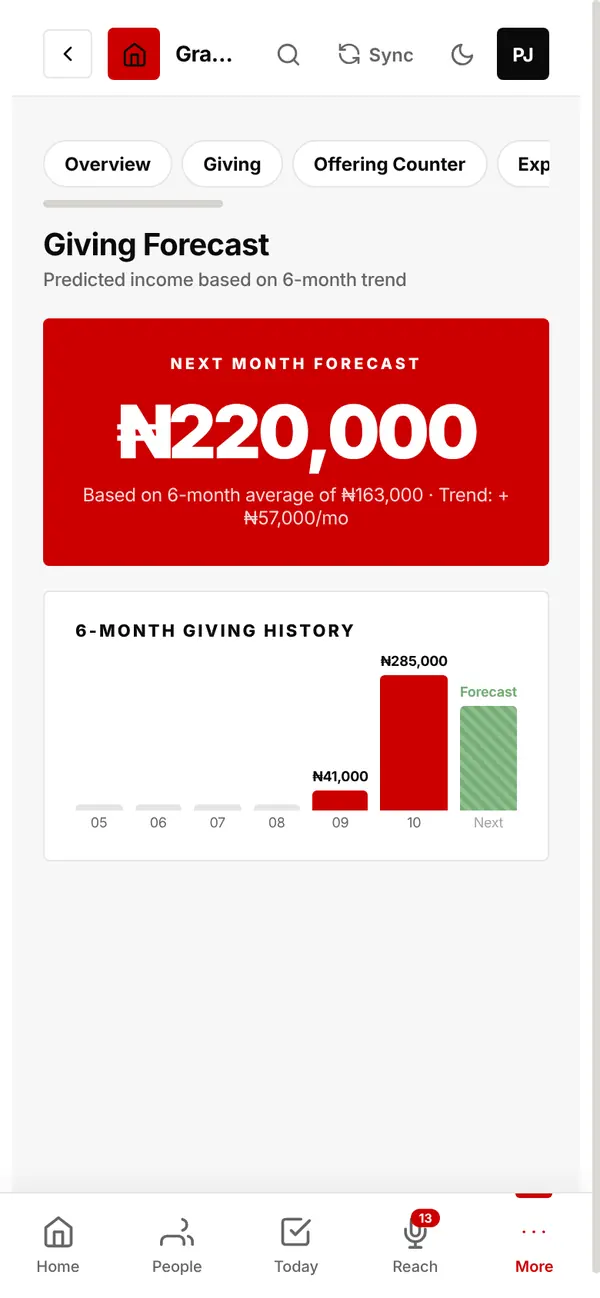
Who is giving more or less than usual, next month's expected income, regular givers who missed this month, and this year against last.
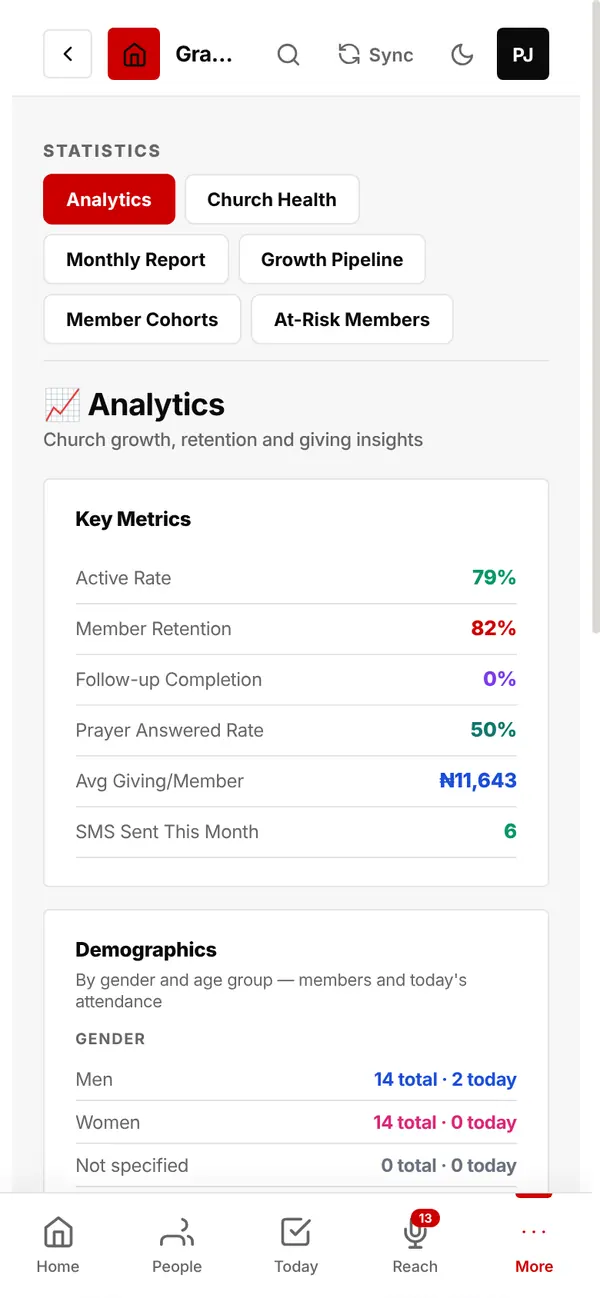
How your church is really doing.
Active rate, member retention, follow-up completion, answered prayers, average giving, and men, women and age groups.
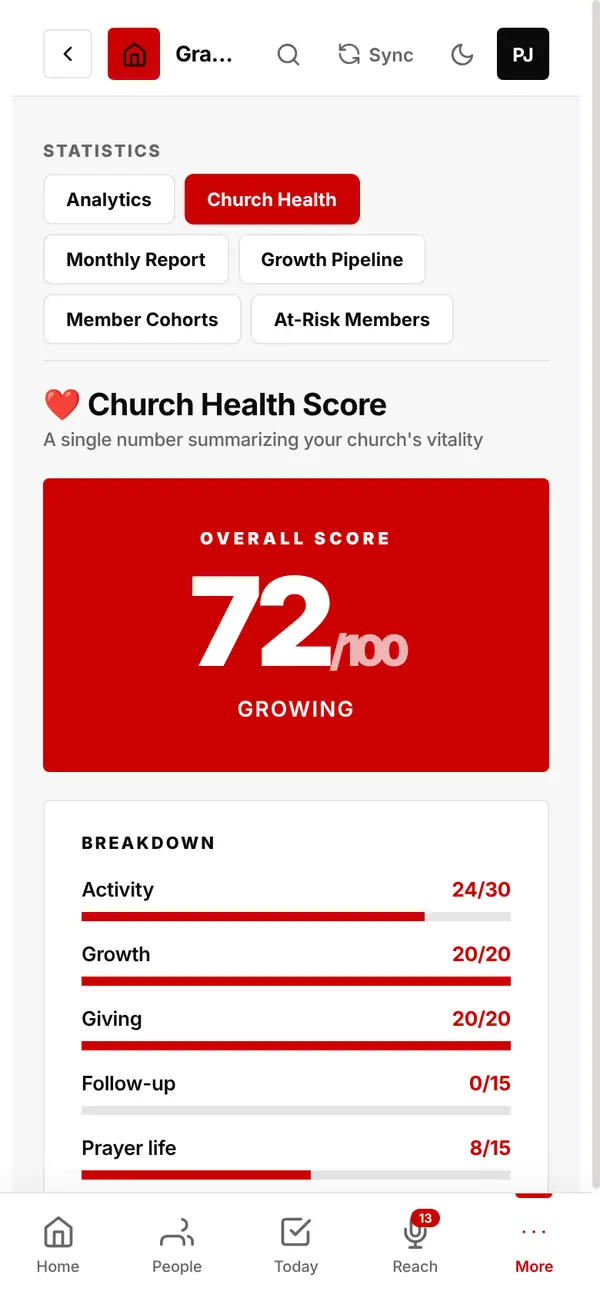
One score out of 100 from activity, growth, giving, follow-up and prayer, with a breakdown of each.
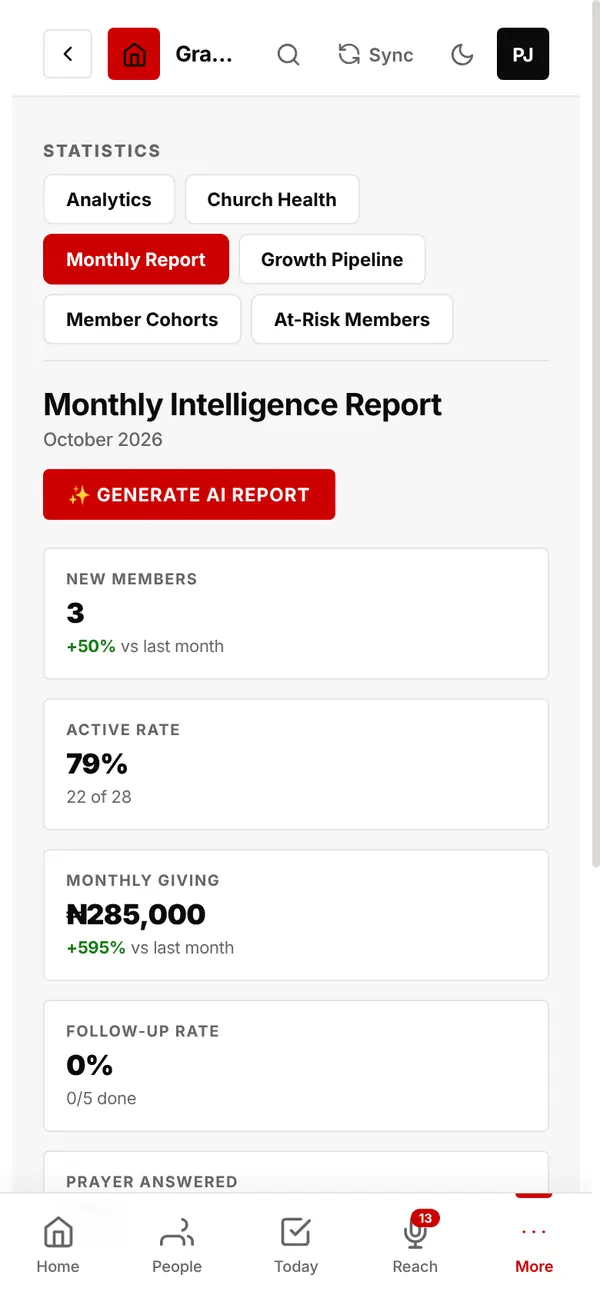
This month's numbers against last month. Tap Generate AI Report for a written summary in plain words.
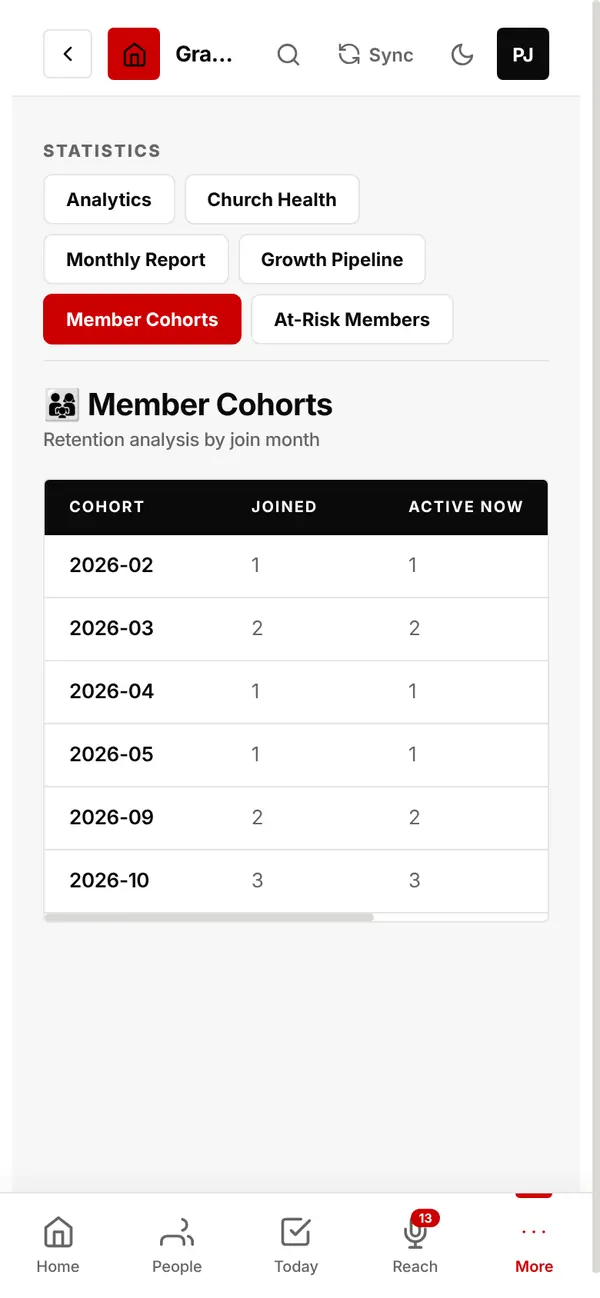
Of the people who joined each month, how many are still active.
Help with the pastor's own work.
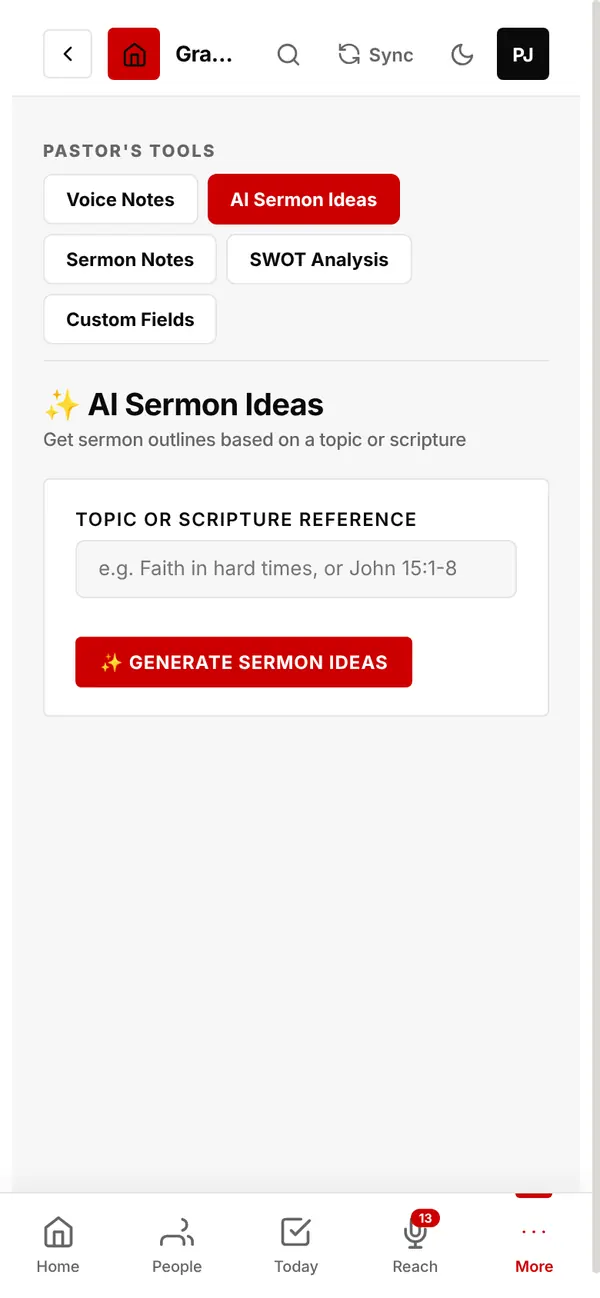
Type a topic or Bible passage and get sermon outlines with key points and supporting verses, ready to copy.
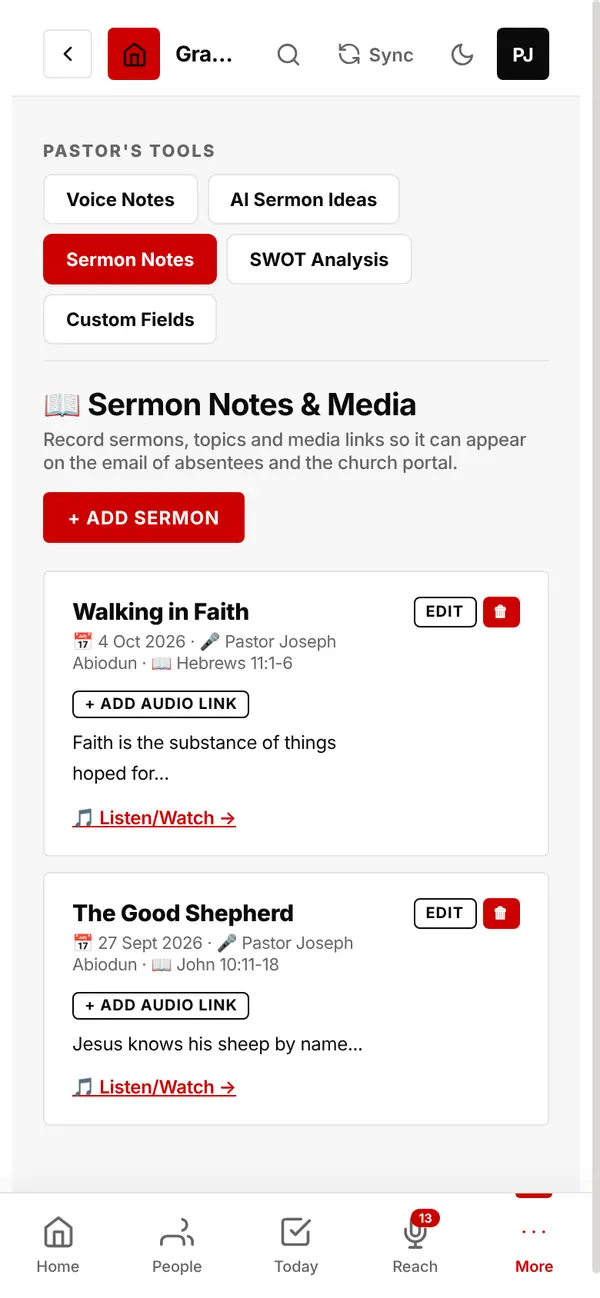
Title, preacher, passage, notes and a watch/listen link. They show on your church page and in emails to absent members.
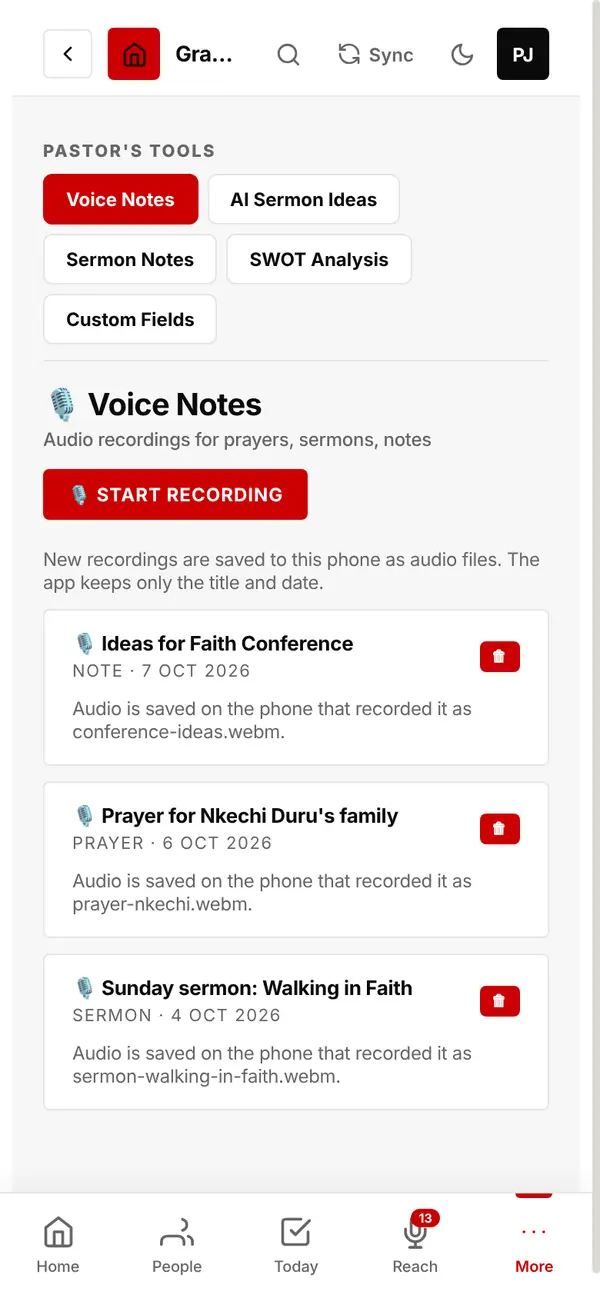
Record prayers, sermon ideas or notes by voice. Recordings are saved on your phone as audio files; the app keeps the title and date.
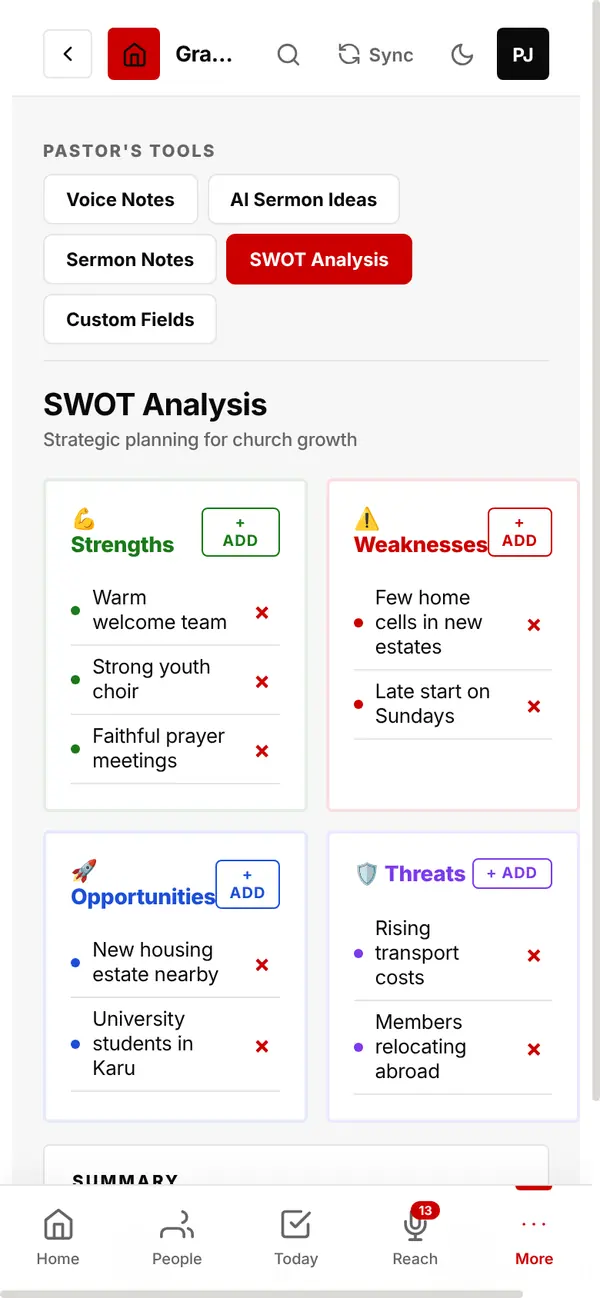
Plan for growth: list your church's strengths, weaknesses, opportunities and threats.
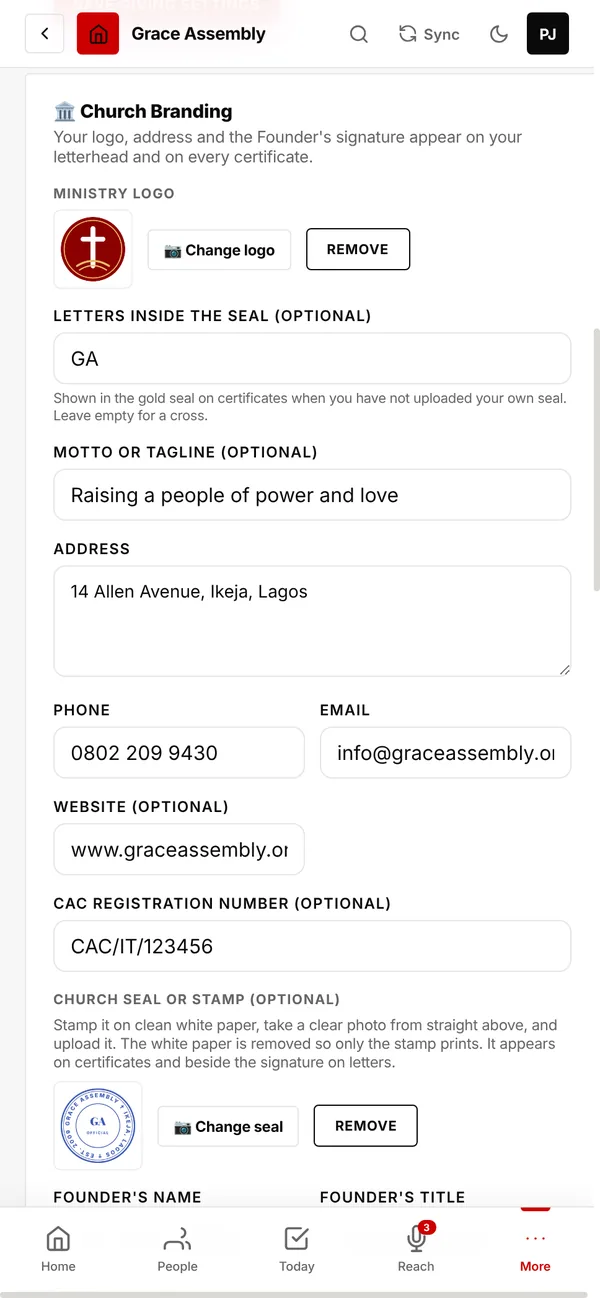
Your church's name, logo, seal and signatures on everything you print.
Set it up once: logo, motto, address, phone, email, website and CAC registration number. It all appears on your letterhead, certificates and ID cards.
Letters inside the seal: your church's initials, shown in the gold seal on certificates if you have not uploaded your own seal. Leave it empty for a cross.
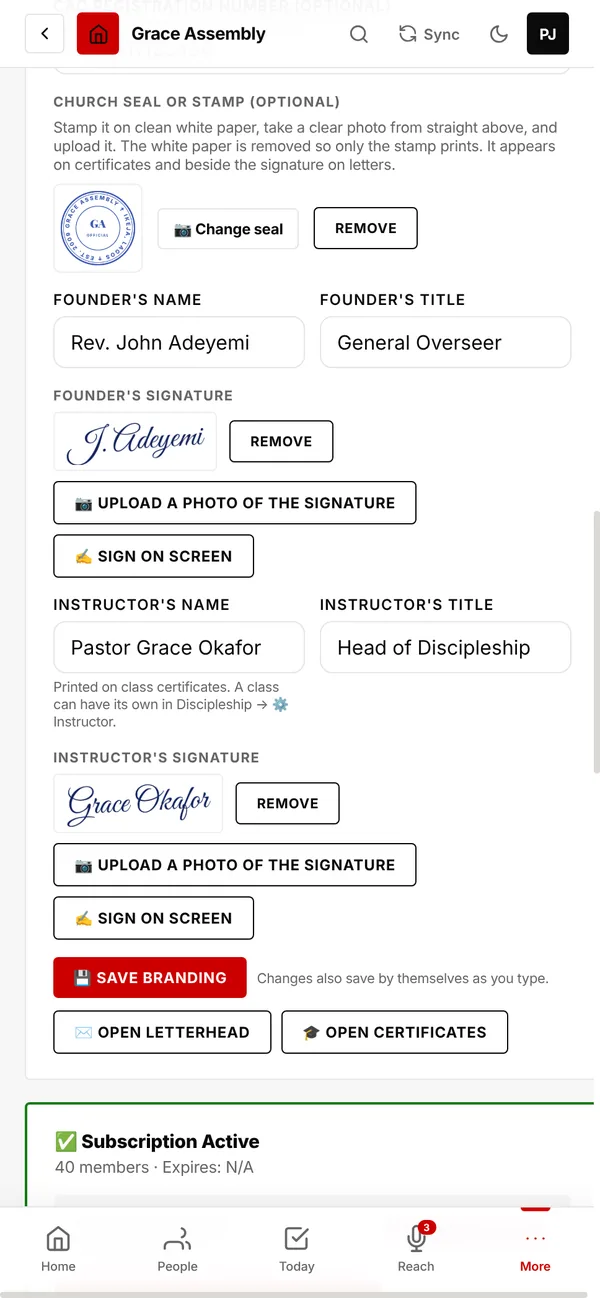
Stamp your seal on clean white paper, photograph it, and upload it. The paper is removed so only the stamp prints.
Write a letter and see it on your headed paper as you type.
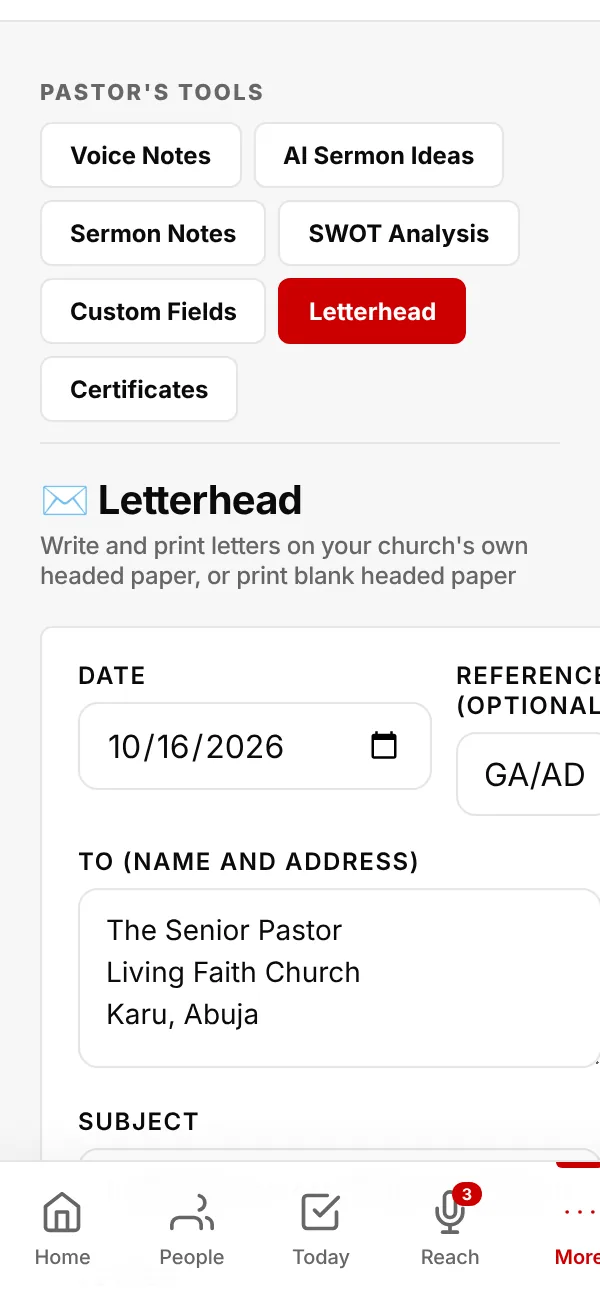
Your logo, address and contacts at the top, the signature and seal at the bottom.
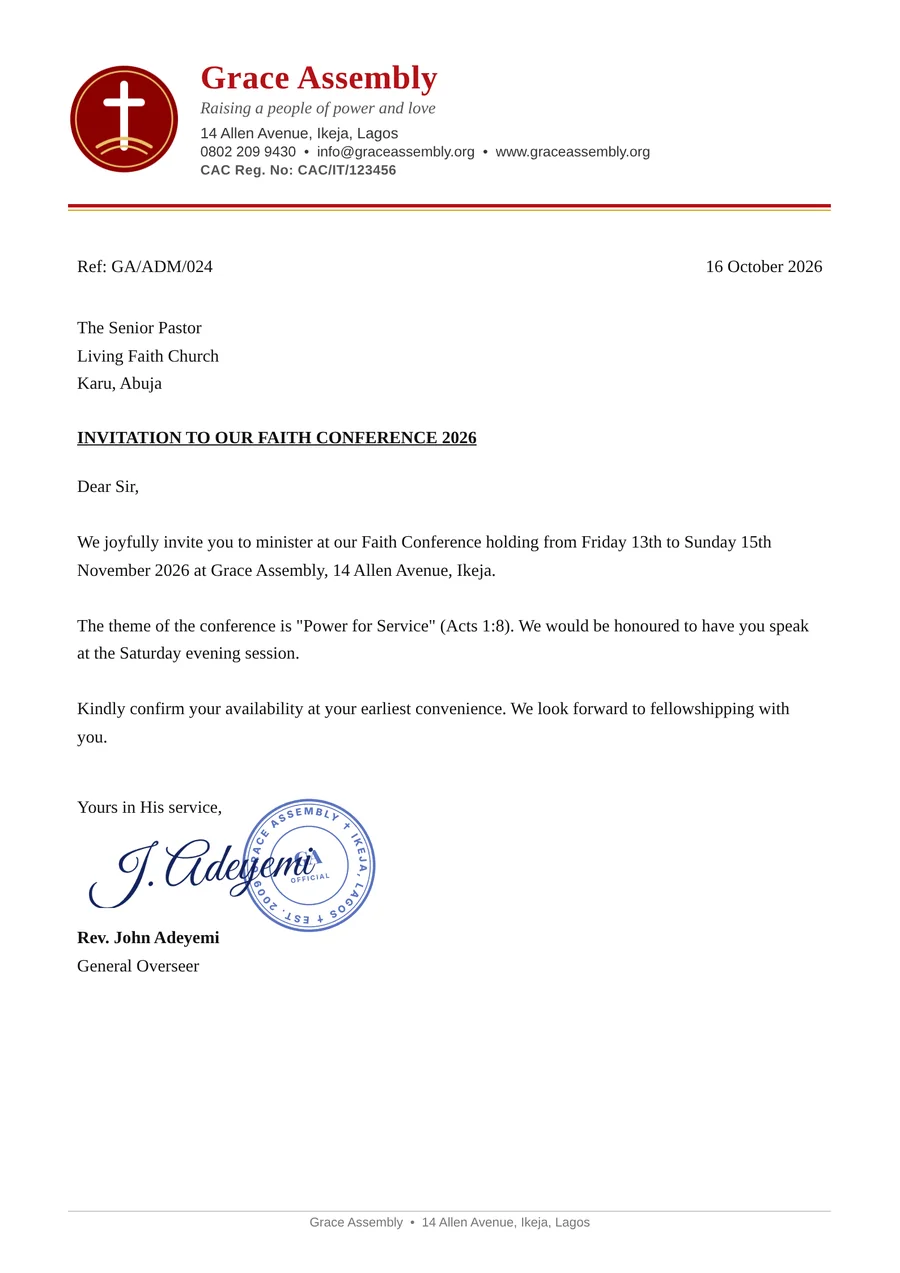
Made from your Baptism Records and Weddings & Funerals, or tap + Make one now. Tap Print to check the details first.
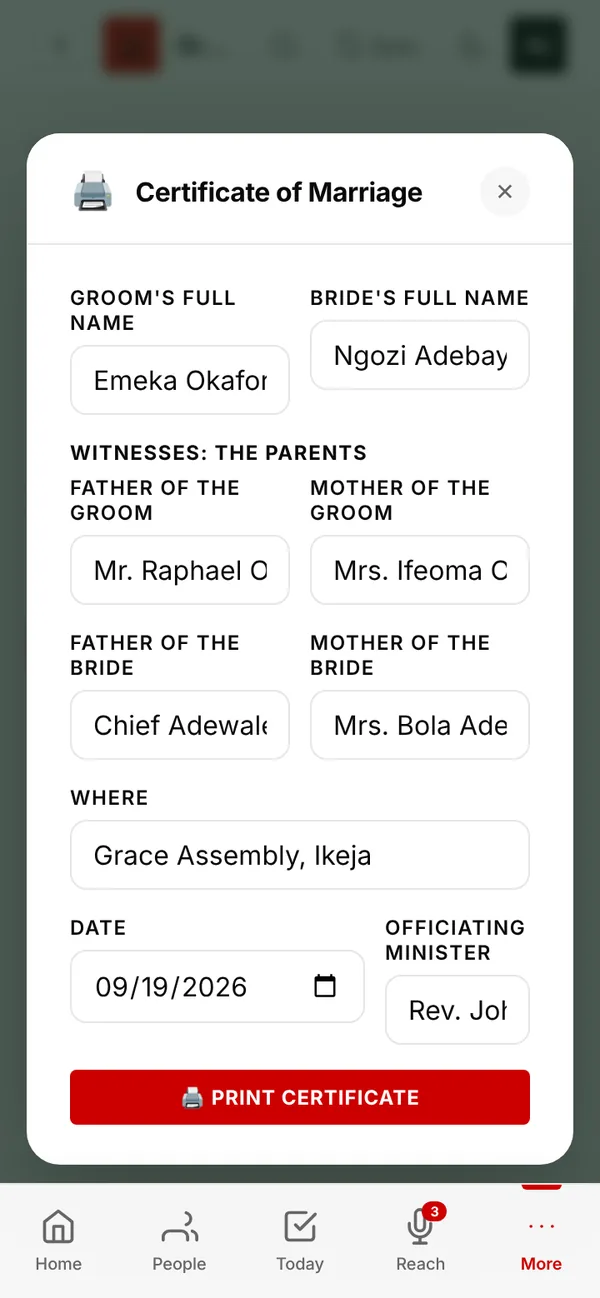
Baptism is blue with a dove and waves. Confirmation is purple with a cross. Child dedication is green with vines and a heart.
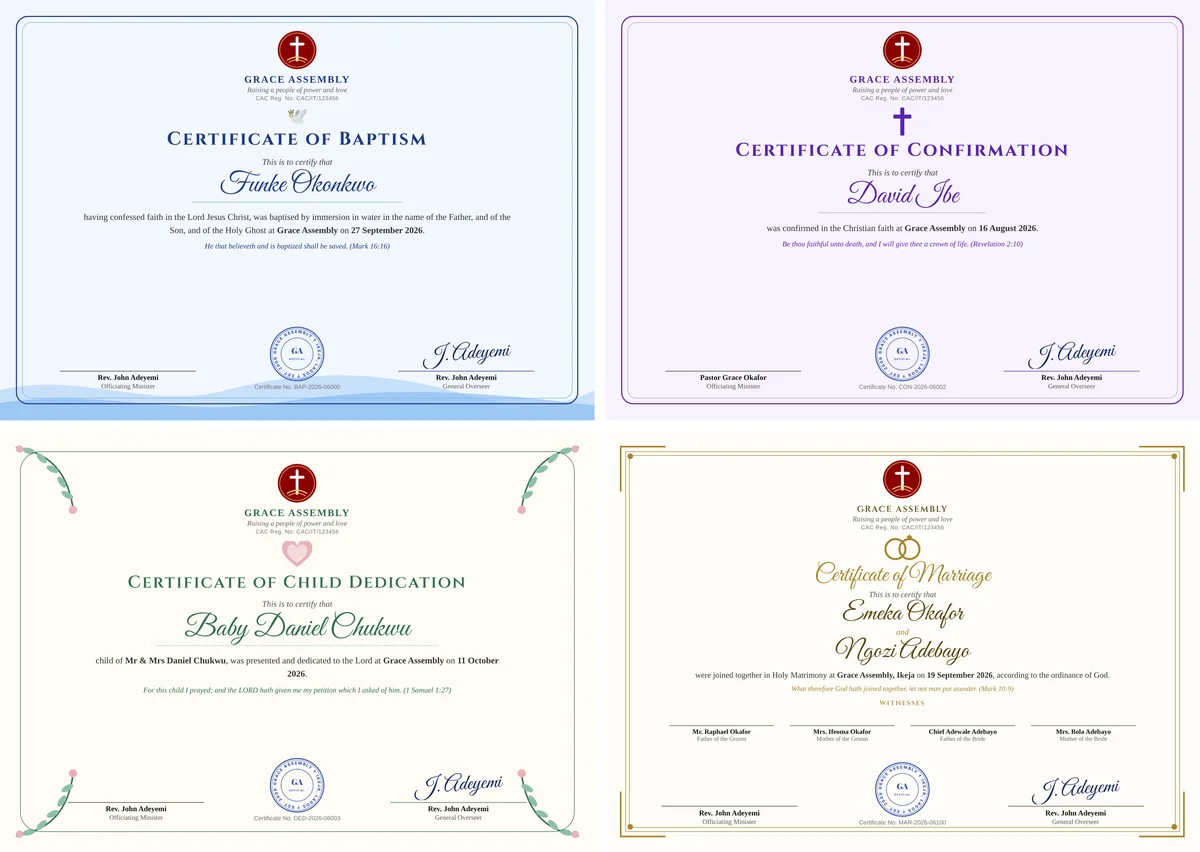
Ivory and gold with rings. It shows the groom and bride, the date and place, and a Witnesses row with both sets of parents, signed by the officiating minister and the Founder.

Share the work safely.
Each worker gets their own email and password.
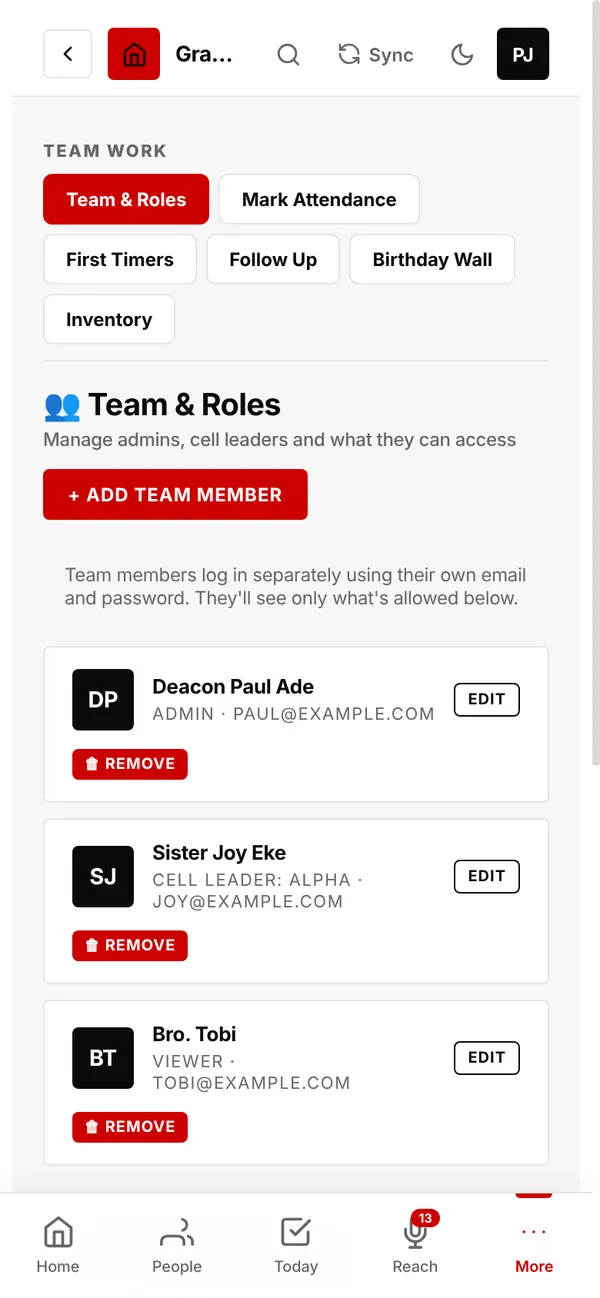
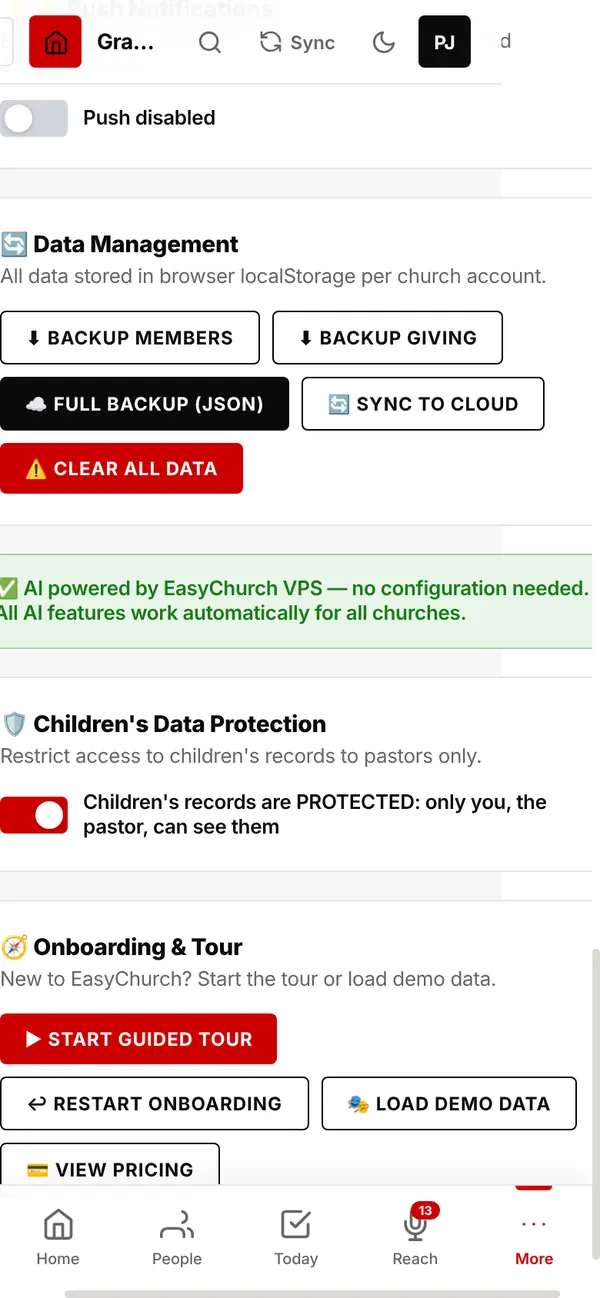
Switch it on and only the pastor can see children's records.
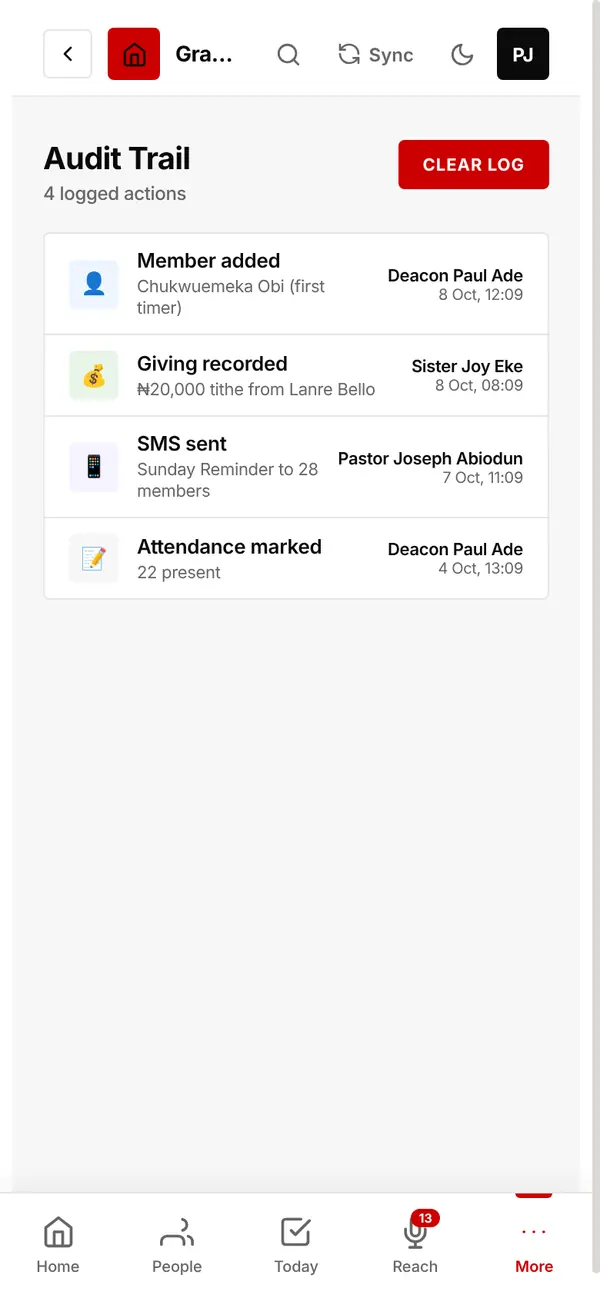
Records who did what and when: people added, giving recorded, texts sent, attendance marked.
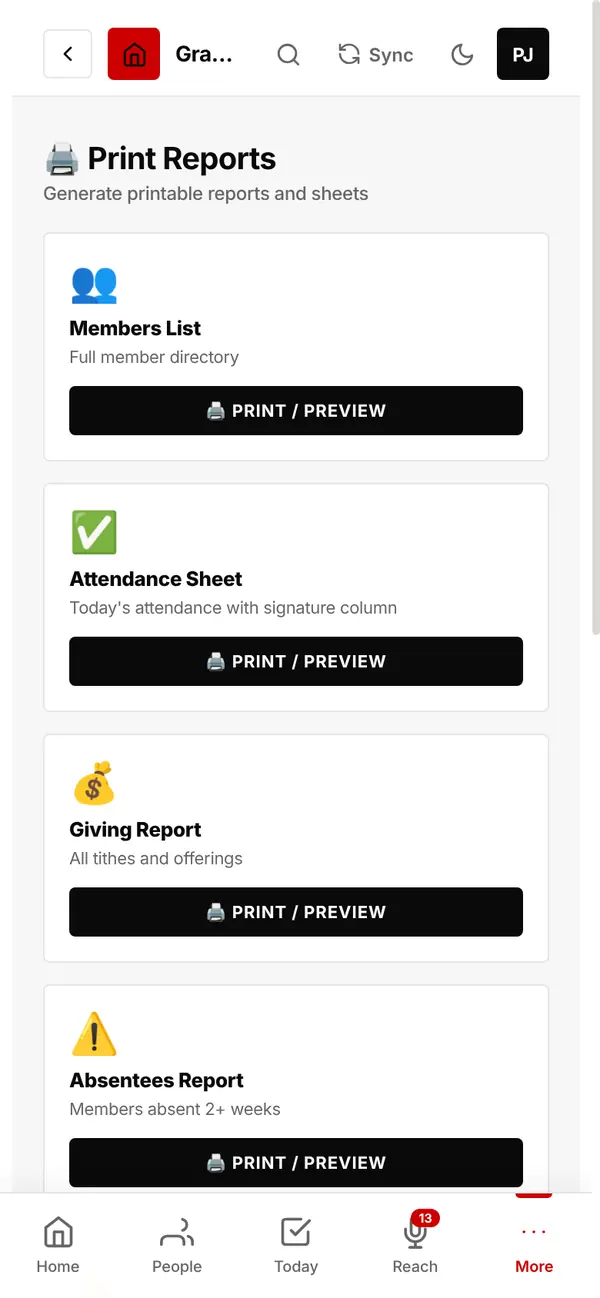
Ready-to-print members list, attendance sheet with a signature column, giving report, absentees, prayer requests, cell groups, giving statements, sermons and more.
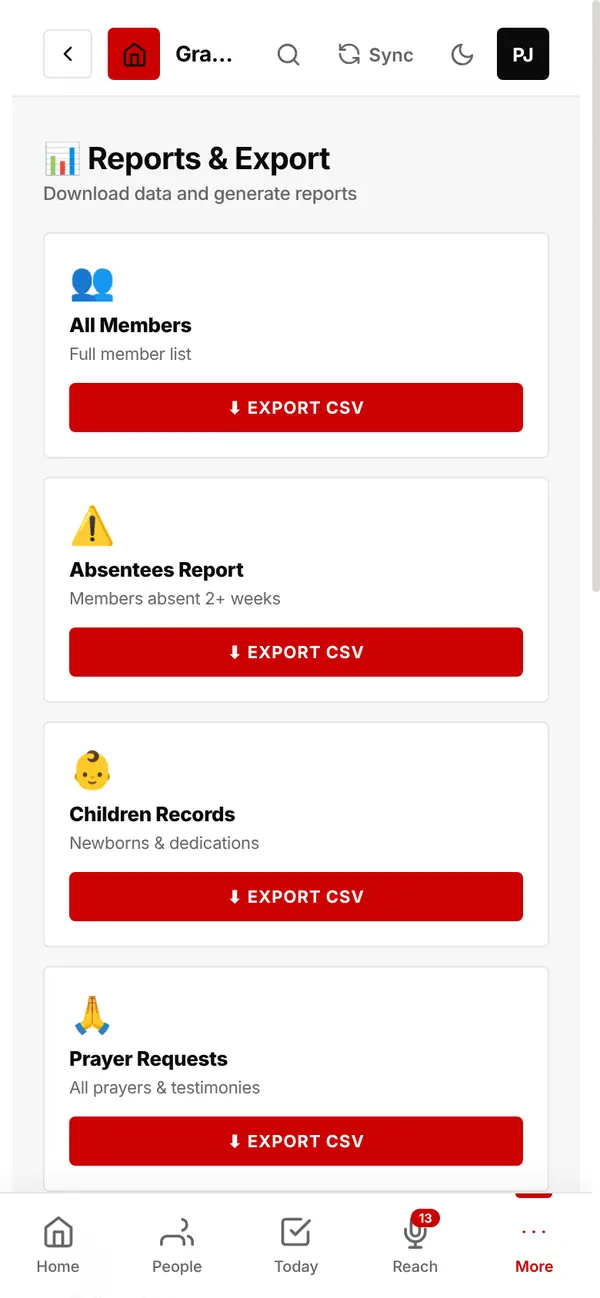
Download any list as a spreadsheet file: members, absentees, children, prayers, follow-ups, giving, events, sermons, SMS history.
Your data is also backed up every night.
Register your church in about 5 minutes. Questions first? Chat with us on WhatsApp: a real person answers.
